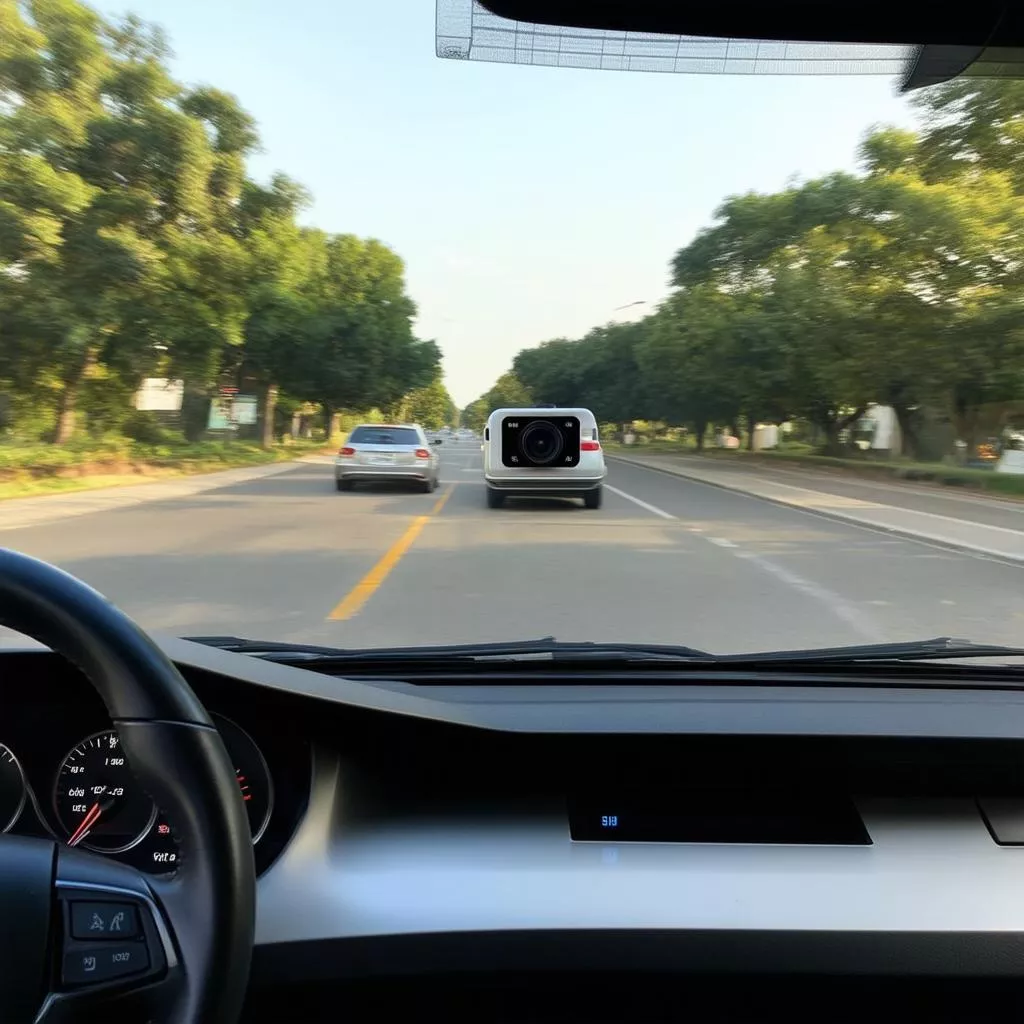
Last week, at my usual coffee shop on Nguyen Trai Street, I ran into an old friend – Tuan, the owner of a Thaco trucking company operating in Ha Dong. He sat down and immediately started venting about a recent traffic incident involving one of his drivers. His truck was stopped at a red light at the Khuat Duy Tien intersection when a motorbike, unable to control its speed, rear-ended it.
Fortunately, there were no injuries, but a dispute arose because the motorcyclist insisted the truck had braked suddenly. Luckily, the truck was equipped with a dash cam that recorded the entire incident. By reviewing the footage, Tuan was able to prove his driver’s account of the events, leading the motorcyclist to admit fault.
Tuan’s story underscores the importance of installing dash cams in cars and trucks. But installation is only half the battle; knowing how to review dash cam footage is equally crucial. So, how can you review dash cam footage quickly and efficiently? This article will provide a detailed guide.
Reviewing dash cam footage
How to Review Dash Cam Footage: A Detailed Guide
1. Reviewing Footage Directly on the Dash Cam Screen
This is the simplest and fastest way to review dash cam videos. Most modern dash cams are equipped with LCD screens, allowing you to review footage directly on the device. Just follow these simple steps:
- Step 1: Turn on the dash cam.
- Step 2: Access the “Playback” or “Gallery” menu.
- Step 3: Select the video you want to watch and press the “Play” button.
However, this method has a drawback: dash cam screens are often quite small, making it difficult to observe details.
2. Reviewing Footage via the Memory Card
To view videos on a larger screen, you can connect the dash cam’s memory card to a computer, phone, or other devices.
- Step 1: Remove the memory card from the dash cam.
- Step 2: Connect the memory card to your computer, phone, or other video playback device.
- Step 3: Access the folder containing the dash cam videos on the memory card.
- Step 4: Select the video you want to watch and open it with a compatible video player.
3. Reviewing Footage via Dedicated Software
Some modern dash cams have built-in Wi-Fi, allowing you to connect to your smartphone via dedicated software. This allows you to review, download, and share videos on social media easily.
- Step 1: Download and install the dash cam management software compatible with your phone.
- Step 2: Connect your phone to the dash cam’s Wi-Fi network.
- Step 3: Open the software and log in to your account (if required).
- Step 4: Select the “Video Playback” function and choose the video you want to watch.
Dash Cam Price List
| Dash Cam Type | Estimated Price | Key Features |
|---|---|---|
| Vietmap Dash Cam | From 1,500,000 VND | Full HD recording, lane departure warning, collision warning |
| HP Dash Cam | From 2,000,000 VND | 2K recording, built-in GPS, speed alert |
| Xiaomi Dash Cam | From 1,000,000 VND | Full HD recording, compact design, easy installation |
| BlackVue Dash Cam | From 5,000,000 VND | 4K recording, built-in Wi-Fi, remote vehicle monitoring |
Important Notes When Reviewing Dash Cam Footage
- Format the memory card regularly to ensure stable camera operation.
- Use a high-quality, large-capacity memory card to store more videos.
- Pay attention to the camera angle to ensure a full view of the area in front of the vehicle.
Frequently Asked Questions
1. Why can’t I view videos from my dash cam?
Possible reasons include a faulty memory card, incompatibility between the camera and the playback device, or an unsupported video format.
2. How can I download videos from my dash cam to my computer?
You can remove the memory card and connect it to your computer or download videos to your phone via the dash cam management software.
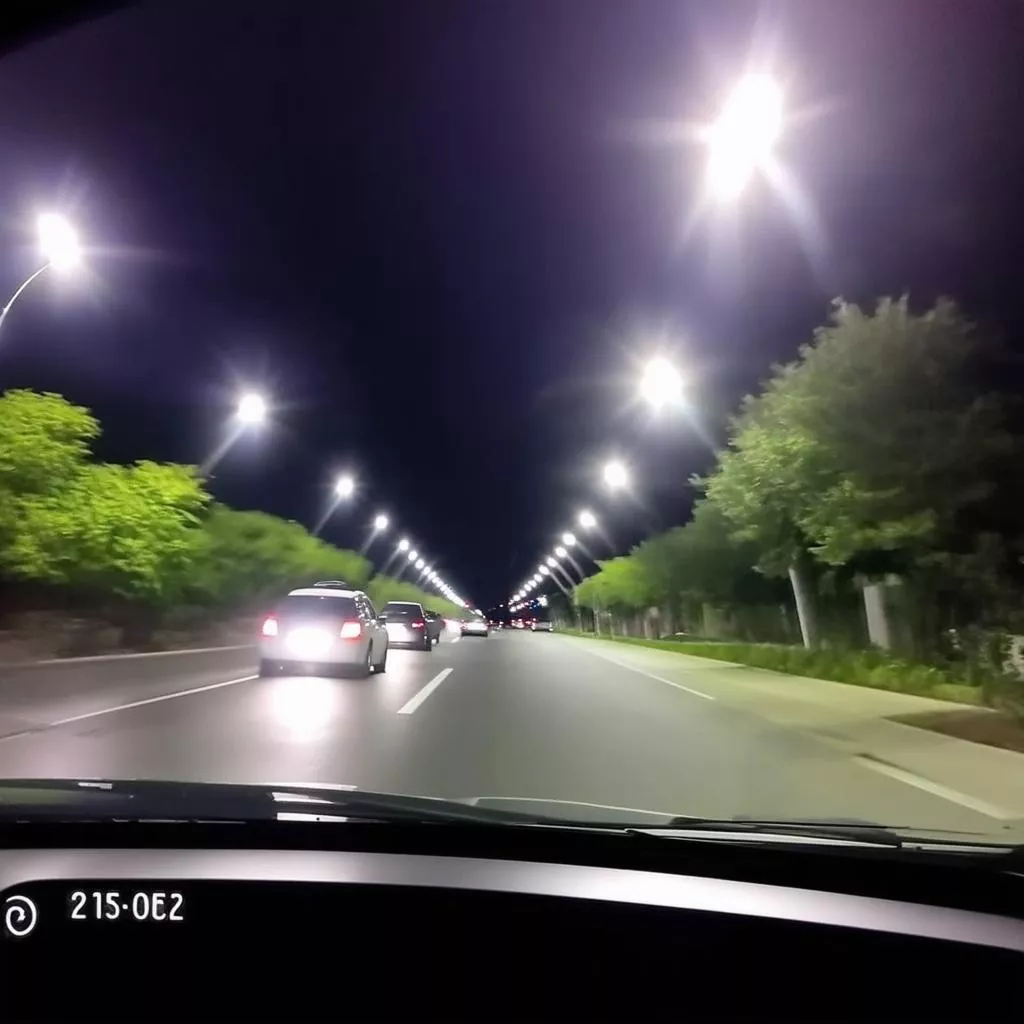 Dash cam night vision footage
3. Can dash cams record at night?
Most modern dash cams are equipped with night vision capabilities; however, image quality may be affected by lighting conditions.
Where to Buy Reliable Dash Cams in Hanoi?
XE TẢI HÀ NỘI is proud to be a provider of genuine, high-quality dash cams at the most competitive prices on the market.
Visit XE TẢI HÀ NỘI at [store address] or contact our hotline at [phone number] for consultation and product selection.
Similar Products
In addition to dash cams, XE TẢI HÀ NỘI also offers a wide range of products and accessories for cars and trucks, such as:
- Car DVD players
- Wooden car floor mats
- Brighter car headlight bulbs
- In-car iPad installation
Conclusion
We hope this article has provided you with useful information on how to review dash cam footage. Reviewing dash cam footage not only helps protect your rights in the event of a traffic accident but also allows you to review your journey and preserve memorable moments on the road.
If you have any further questions, please leave a comment below or contact XE TẢI HÀ NỘI directly for detailed answers.
Don’t forget to visit our website xetaihanoi.edu.vn regularly for more useful information about trucks and related equipment and accessories.









