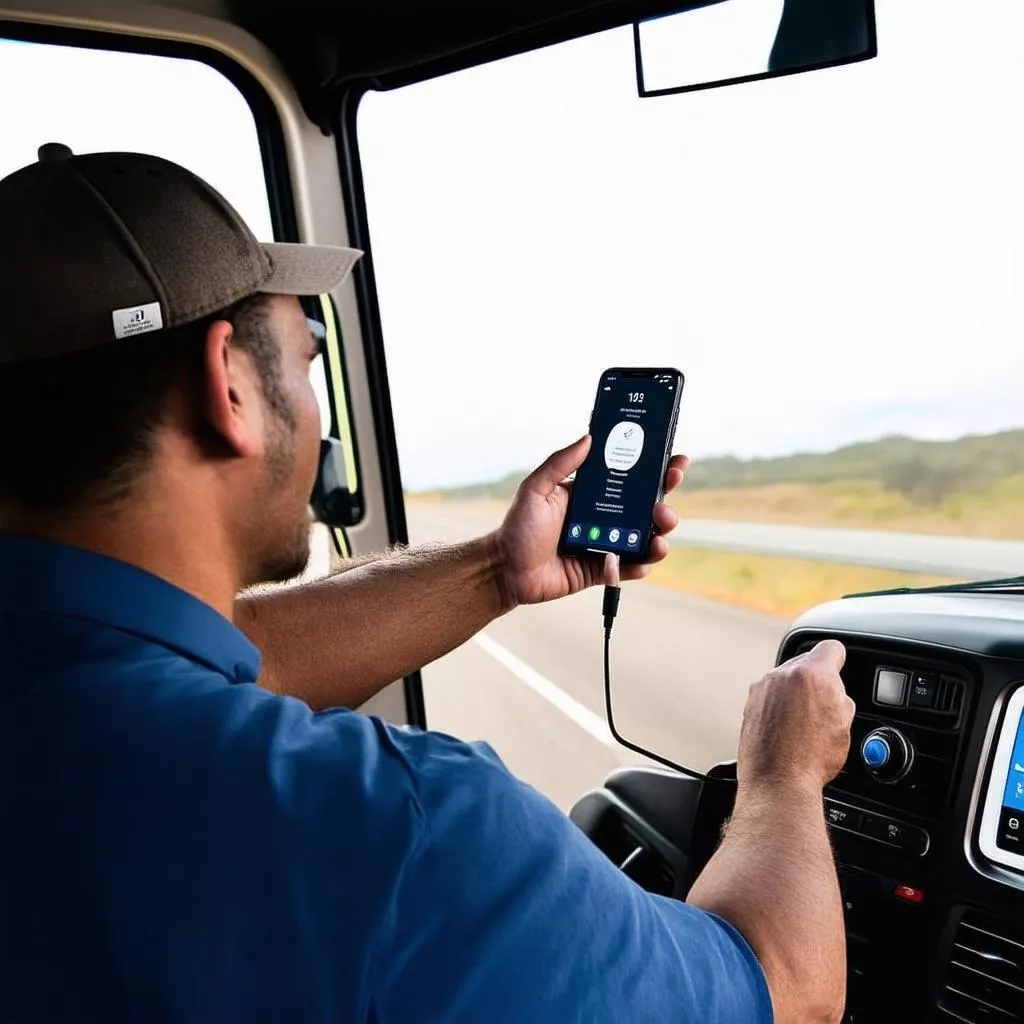
“My new Dongfeng truck’s Bluetooth stopped working. Can you take a look? I rely on it for music!” Mr. Minh, owner of a convenience store on Hang Buom Street, anxiously asked Mr. Tuan, his trusted mechanic, while fiddling with his phone. Many drivers have experienced this frustrating situation. What causes these Bluetooth connectivity issues in trucks, and how can they be resolved? Let’s explore with XE TẢI HÀ NỘI!
1. Understanding Truck Bluetooth Systems
1.1. Bluetooth: The Trucker’s Essential Companion
Truck Bluetooth systems are more than just for music and hands-free calling. They enable drivers to use navigation, voice control, access contacts, and more, enhancing safety and convenience on the road. Given the demanding nature of trucking, a reliable Bluetooth system is crucial.
1.2. Popular Truck Models with Bluetooth Connectivity
Most modern trucks come equipped with Bluetooth. Some examples include:
- Hyundai Trucks: Hyundai H150, Hyundai Porter 150, Hyundai New Mighty N250,…
- Isuzu Trucks: Isuzu QKR, Isuzu FRR, Isuzu FVR,…
- Hino Trucks: Hino XZU, Hino Dutro, Hino 300 Series,…
- Thaco Trucks: Thaco Towner 990, Thaco Ollin 700, Thaco Auman C160,…
1.3. Benefits of Using Truck Bluetooth
- Enhanced Safety: Hands-free calling allows drivers to focus on the road.
- Increased Convenience: Easy access to entertainment and navigation features via voice commands.
- Versatile Connectivity: Connect to various devices like phones and tablets.
Truck Bluetooth connection
2. Diagnosing Truck Bluetooth Connectivity Problems
According to Mr. Nguyen Van Thanh, a technician at Tien Phat Auto Repair (Cau Giay, Hanoi): “Numerous factors can cause truck Bluetooth connectivity issues. The most common are phone connection errors, system errors within the truck, or Bluetooth version incompatibility.”
Here are some common causes:
- Phone-Related Issues: Bluetooth disabled on the phone, airplane mode activated, low battery, etc.
- Truck System Issues: Bluetooth disabled or malfunctioning in the truck, engine not started, weak battery, etc.
- Bluetooth Version Incompatibility: The phone and truck’s Bluetooth versions are not compatible.
- Connection Range: The phone is too far from the truck, exceeding the Bluetooth range.
- Software Issues: Operating system errors on the phone or the truck’s infotainment system.
3. Quick and Effective Solutions for Truck Bluetooth Problems
3.1. Verify Bluetooth Connection on Phone and Truck
- Step 1: Ensure Bluetooth is enabled on both the phone and the truck.
- Step 2: Check the list of paired Bluetooth devices on both the phone and the truck.
- Step 3: If your device is listed, try reconnecting. If not, try searching for new devices.
3.2. Restart Phone and Truck
- Restarting both devices can often resolve Bluetooth connection issues.
- This action resets connections and can fix minor software glitches.
3.3. Clear Bluetooth Connection History
- Clearing the Bluetooth connection history on both the phone and the truck can facilitate a fresh connection.
3.4. Update Phone and Truck Infotainment System Software
- Regular software updates address system bugs, enhance security, and improve device performance.
3.5. Seek Professional Assistance from Reputable Garages
- If all else fails, a serious issue may exist with the truck’s Bluetooth system.
- Consult a reputable and professional garage for diagnosis and repair.
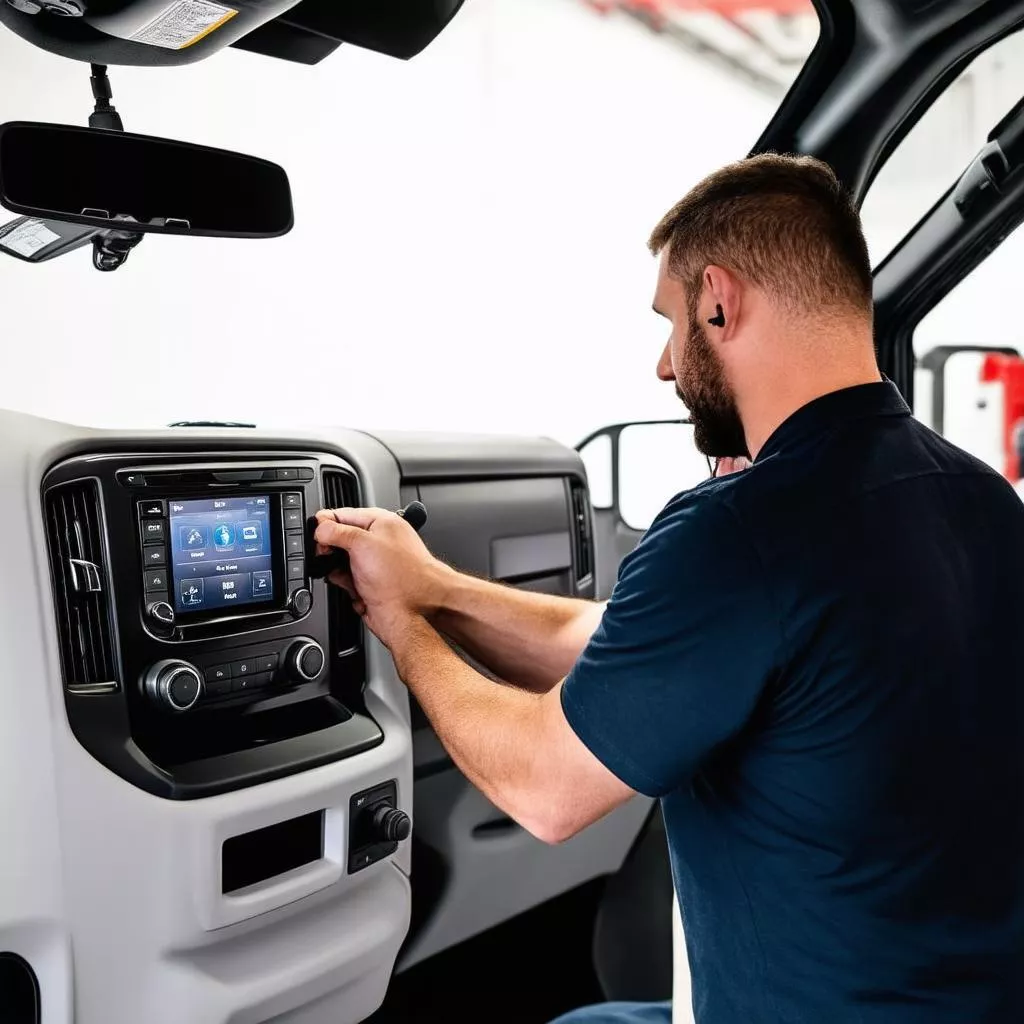 Truck Bluetooth repair
4. Essential Tips for Using Truck Bluetooth
To minimize Bluetooth connectivity problems, consider these tips:
- Disable Bluetooth when not in use to conserve phone and truck battery.
- Avoid connecting multiple devices simultaneously to prevent conflicts.
- Keep phone and truck software updated.
- Regularly maintain and clean the truck’s Bluetooth system.
5. Frequently Asked Questions About Truck Bluetooth Connectivity
5.1. How Do I Know if My Truck Supports Bluetooth?
- Consult the truck’s owner’s manual.
- Look for the Bluetooth symbol on the dashboard or infotainment screen.
5.2. How Many Devices Can I Connect Simultaneously?
- The number of connectable devices varies depending on the truck model and Bluetooth system. Connecting only one device at a time is recommended for optimal stability.
5.3. Does Bluetooth Connectivity Incur Charges?
- Bluetooth connectivity is free.
6. XE TẢI HÀ NỘI – Your Trusted Source for Quality Trucks
XE TẢI HÀ NỘI proudly offers a wide selection of genuine, high-quality trucks at competitive prices. We are committed to providing exceptional products and services.
- Address: 10 Nguyen Van Linh Street, Long Bien District, Hanoi
- Hotline: 0987.654.321
- Website: https://xetaihanoi.edu.vn/
We also offer a variety of truck accessories and parts, such as: car USBs, how to unlock a car with a phone, car CD players,…
7. Conclusion
This article provides comprehensive information on troubleshooting truck Bluetooth connectivity issues. We hope you found it helpful. For further questions, please leave a comment below or contact XE TẢI HÀ NỘI directly for detailed assistance.









