“The journey of a thousand miles begins with a single step.” Every journey holds countless exciting and unexpected moments. To ensure a smooth and fulfilling trip, besides thoroughly checking your vehicle and meticulously preparing your luggage, equipping yourself with a knowledgeable “travel companion” is essential. Vietmap, with its detailed map system and intelligent navigation, is the top choice for all drivers.
So, what is Vietmap? And how do you use Vietmap in your car effectively? Let’s explore the details in this article from xetaihanoi.edu.vn!
1. Vietmap – Your Trusted Navigation Companion
Vietmap is an intelligent navigation software developed by Vietmap Corporation. This application provides users with a detailed and continuously updated map system covering all 63 provinces in Vietnam, along with many useful features to support safe and efficient driving.
1.1. Why Use Vietmap in Your Car?
Among the myriad of navigation software options available today, Vietmap consistently maintains its leading position and user trust due to its outstanding advantages:
- User-friendly Interface: Vietmap boasts an intuitive and easy-to-navigate interface, tailored to Vietnamese user habits. Even beginners can quickly familiarize themselves with and master the application’s features after just a few uses.
- Detailed and Accurate Map Data: Vietmap’s maps are regularly updated, ensuring high accuracy and including detailed information on road systems, prohibited routes, traffic signs, etc., helping users navigate smoothly, avoid traffic violations, and save time.
- Support for Various Vehicle Types: Vietmap provides suitable routes for different vehicle types, from motorcycles and cars to trucks and containers.
- Speed and Residential Area Alerts: This feature helps drivers proactively adjust their speed, drive safely, and avoid speeding tickets.
- Diverse POI Search Support: Vietmap integrates a vast database of POIs (Points of Interest), including locations such as gas stations, rest stops, restaurants, hotels, ATMs, etc., enabling users to easily search for and select suitable services.
- Runs in the Background, Battery-Friendly, and Prevents Overheating: Vietmap is optimized for smooth operation without draining battery life, overheating, or affecting device performance.
1.2. Feng Shui Considerations When Using Vietmap in Your Car
According to folk beliefs, choosing the right departure direction and auspicious date and time is crucial, directly impacting the luck and smoothness of the entire journey.
To “choose an auspicious day,” you can utilize the built-in “Lunar Calendar” feature in the Vietmap application. Additionally, you should opt for spacious routes, avoiding areas with dense trees or places considered “unlucky” to ensure a smoother and more prosperous trip.
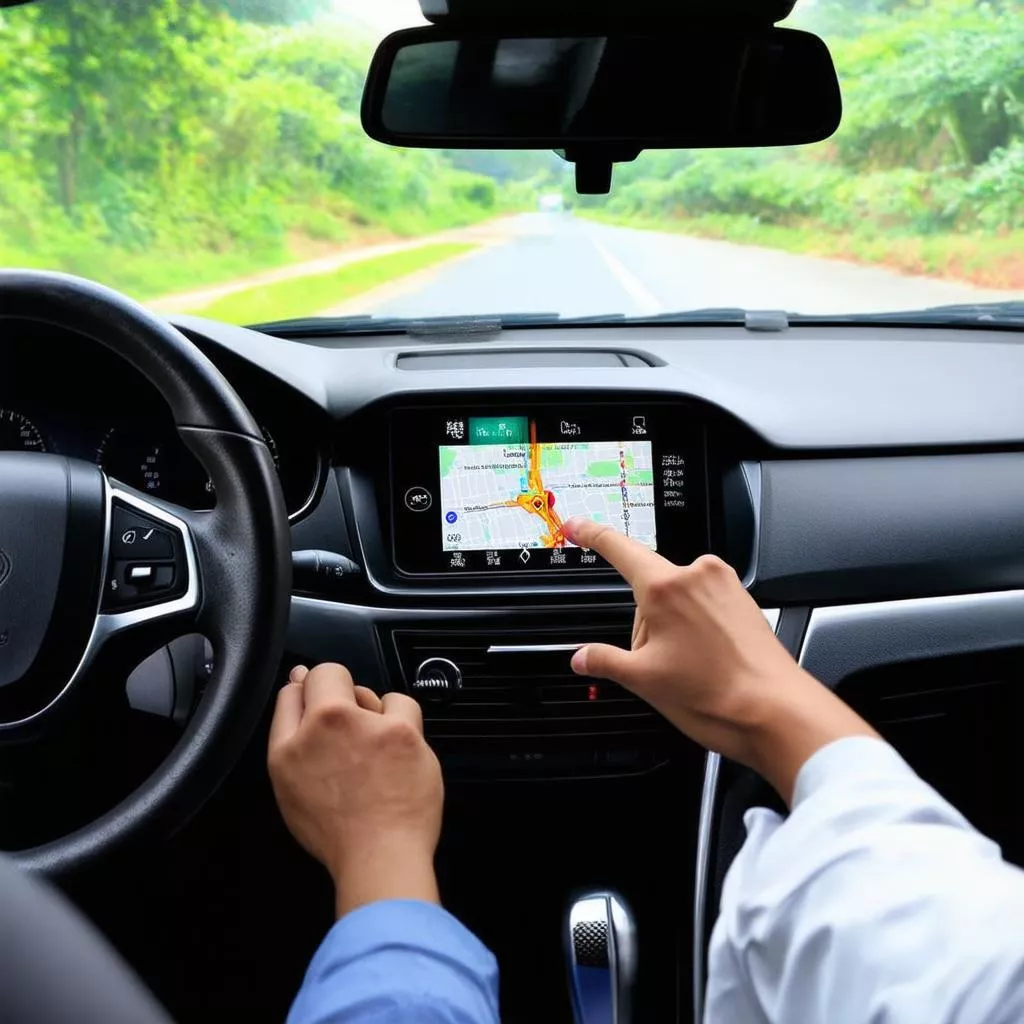
Using Vietmap in a car
2. Detailed Instructions on Using Vietmap in Your Car
To use Vietmap in your car, follow these steps:
2.1. Installing the Vietmap Application
Step 1: Download the Vietmap application to your phone or dedicated navigation device.
Step 2: Register an account and log in to the application.
Step 3: Connect the device to the Internet.
2.2. Searching for Locations and Setting Routes
Step 1: Enter your desired destination in the search bar.
Step 2: Choose a suitable route based on your needs (shortest, fastest, avoid prohibited roads, etc.).
Step 3: Start moving according to the application’s guidance.
2.3. Important Notes When Using Vietmap
- Ensure a stable Internet connection during use.
- Regularly update the map to ensure route accuracy.
- Choose routes appropriate for your vehicle type and actual traffic conditions.
- Always comply with traffic laws and observe carefully while driving.
3. Frequently Asked Questions About Using Vietmap in Your Car
Question 1: Is Vietmap free?
Vietmap offers both free and paid versions. The free version has limited features. The paid version provides full functionality and more detailed map data.
Question 2: How do I update the Vietmap map?
You can update the Vietmap map directly within the application or by connecting your device to a computer.
Question 3: Does Vietmap support offline navigation?
Yes, Vietmap supports offline navigation if you have previously downloaded the map to your device.
4. Alternative Navigation Software to Vietmap
Besides Vietmap, you can consider other popular navigation software such as Google Maps, Navitel Navigator, and Sygic GPS Navigation.
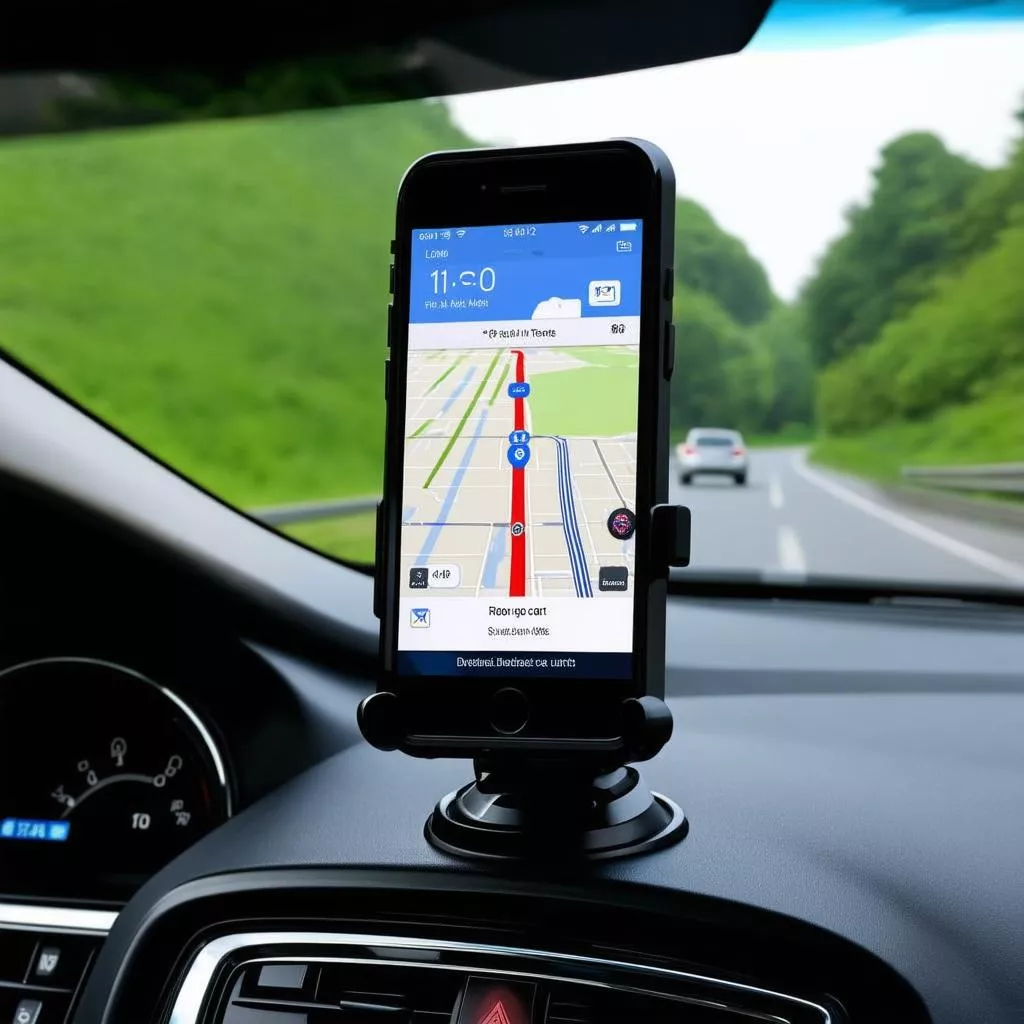 Car navigation software
5. Conclusion
Hopefully, this article has provided you with useful information on how to use Vietmap in your car. Using intelligent navigation software like Vietmap not only facilitates easy and convenient travel but also contributes to enhancing civilized and safe traffic participation.
Do you have any further questions regarding Vietmap or other safe driving assistance devices such as car navigation devices, parking sensors, car GPS trackers? Leave a comment below or contact xetaihanoi.edu.vn directly for detailed advice and support. Our team of experts is always ready to answer all your questions and accompany you on every journey!
If you are looking to purchase a truck, don’t hesitate to contact XE TẢI HÀ NỘI Dealership or call our Hotline: 0968 239 999 for the best advice and support!









