“A stitch in time saves nine,” as the saying goes! Installing and wiring a backup camera for your beloved van truck not only saves you money but also brings joy and pride in accomplishment. However, not everyone understands the process and the correct wiring diagram. Don’t worry, this article will be a detailed guide, leading you step by step in the easiest way to understand!
1. Why Understand the Van Truck Backup Camera Wiring Diagram?
Installing backup cameras for van trucks has become popular nowadays, especially for large vehicles with limited visibility. A well-functioning backup camera will be a powerful “third eye,” assisting you in clearly observing the rear of the vehicle, avoiding unfortunate collisions when reversing or parking.
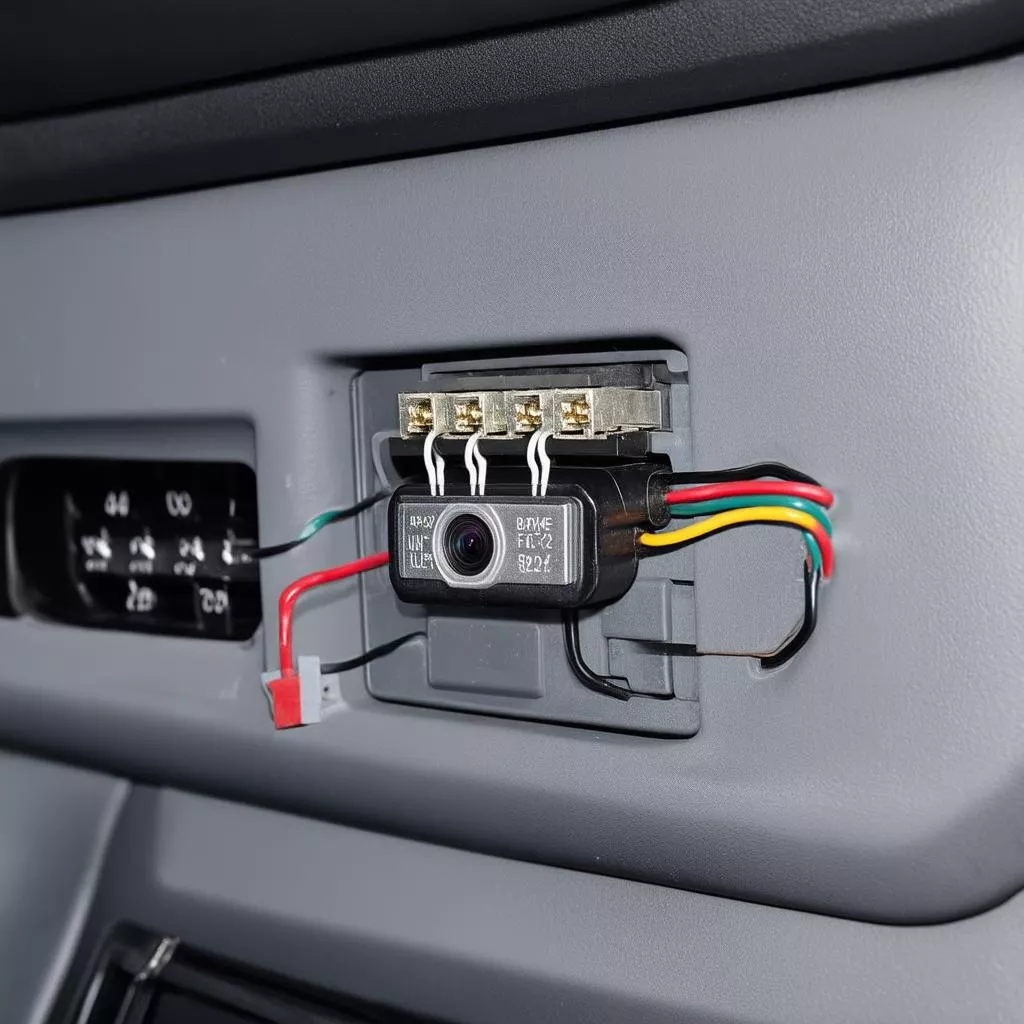
Van truck backup camera wiring diagram
However, incorrectly connecting the backup camera wires can lead to dire consequences:
- Intermittent, unstable camera operation: The image displayed on the screen may be distorted, blurry, or even lose signal completely.
- Causing short circuits and fires: In the worst case, incorrect wiring can cause a short circuit, affecting the vehicle’s electrical system, and even causing a fire, endangering lives.
Therefore, understanding the backup camera wiring diagram is extremely important, helping you:
- Install the camera correctly and safely: Ensuring the camera operates stably and effectively.
- Avoid potential risks: Protecting the vehicle’s electrical system and ensuring your own safety.
2. Decoding the Van Truck Backup Camera Wiring Diagram
The van truck backup camera wiring diagram is generally quite simple, including the main components:
- Backup Camera: The “eye” observing the rear of the vehicle, transmitting the image signal to the monitor.
- Display Monitor: Displays the image received from the backup camera.
- Power Wire: Provides power for the camera to operate.
- Signal Wire: Transmits the image from the camera to the monitor.
- Ground Wire: Connects the devices to each other and to the vehicle body.
2.1. Basic Backup Camera Wiring Steps
Step 1: Install the backup camera: Choose a suitable installation location, ensuring the best visibility.
Step 2: Connect the power wire: The red wire is usually the positive (+) wire, connected to the reverse lights or a 12V power source. The black wire is the negative (-) wire, connected to the ground (vehicle body).
Step 3: Connect the signal wire: Connect the signal wire from the backup camera to the display monitor.
Step 4: Test and complete: After connecting, double-check the connections and start the vehicle to test the camera operation.
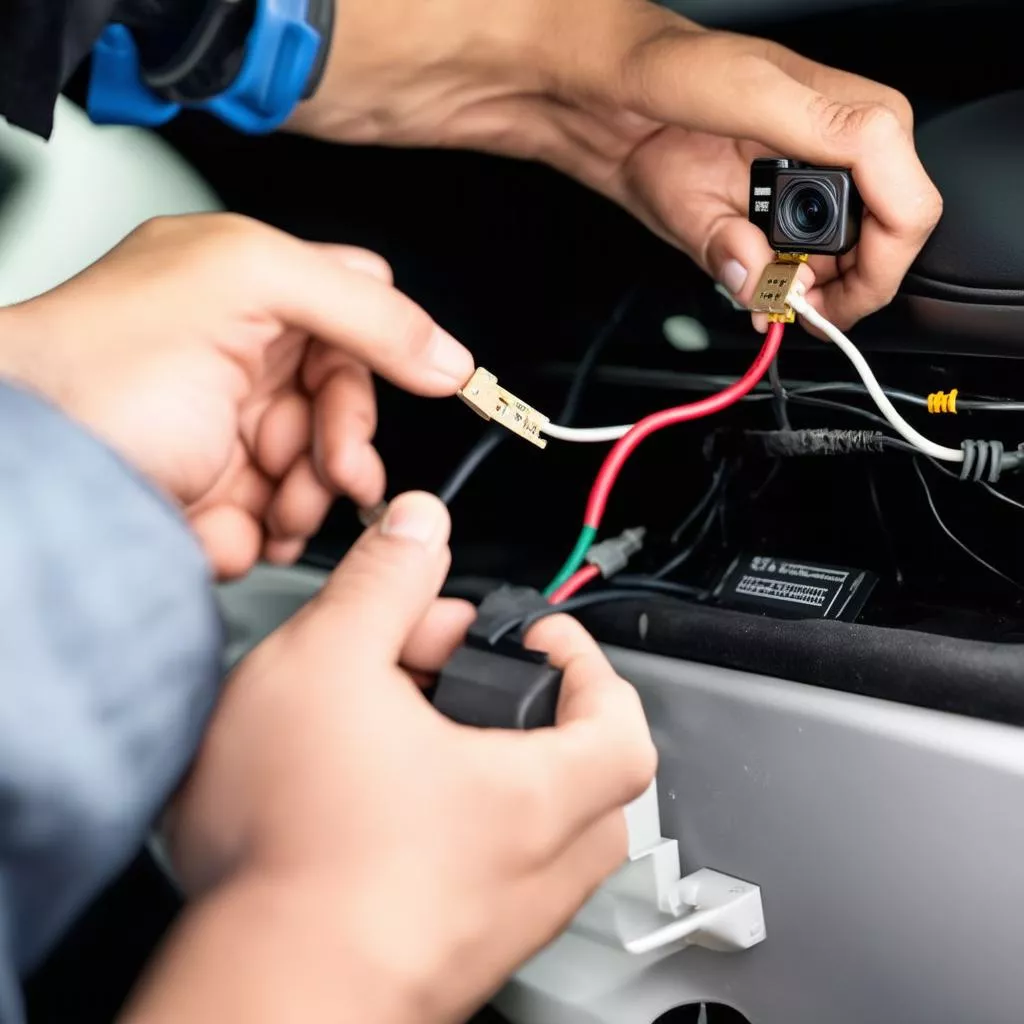 Connecting the backup camera wires
3. Important Notes When Wiring a Van Truck Backup Camera
- Choose a quality backup camera: Select a camera with high resolution, a wide viewing angle, and good water and dust resistance.
- Use quality wiring: Ensure the wiring has good load capacity to avoid short circuits.
- Consult a technician: If you are not familiar with technical aspects, it’s best to seek assistance from a professional technician.
4. Frequently Asked Questions about Van Truck Backup Camera Wiring Diagrams
Question 1: Can I wire a backup camera myself at home?
Answer: Absolutely, if you have basic knowledge of automotive electrical systems. However, for safety, you should carefully consult the instructions or seek assistance from a technician.
Question 2: Where is the best place to install a backup camera?
Answer: The ideal location is in the center of the rear of the vehicle, ensuring a wide viewing angle and no obstruction.
Question 3: How do I know if the backup camera is connected correctly?
Answer: After connecting, start the vehicle and put it in reverse. If the camera is working properly, the image will be clearly displayed on the screen, indicating a correct connection.
5. Suggested Further Reading
6. Contact Us for Consultation
We hope this article has provided you with useful information about van truck backup camera wiring diagrams. If you have any further questions, please contact us for 24/7 consultation and support. And don’t forget to visit our website xetaihanoi.edu.vn for more useful information about trucks!
Hotline: 0968 239 999
XE TẢI HÀ NỘI – Your companion on every road!









