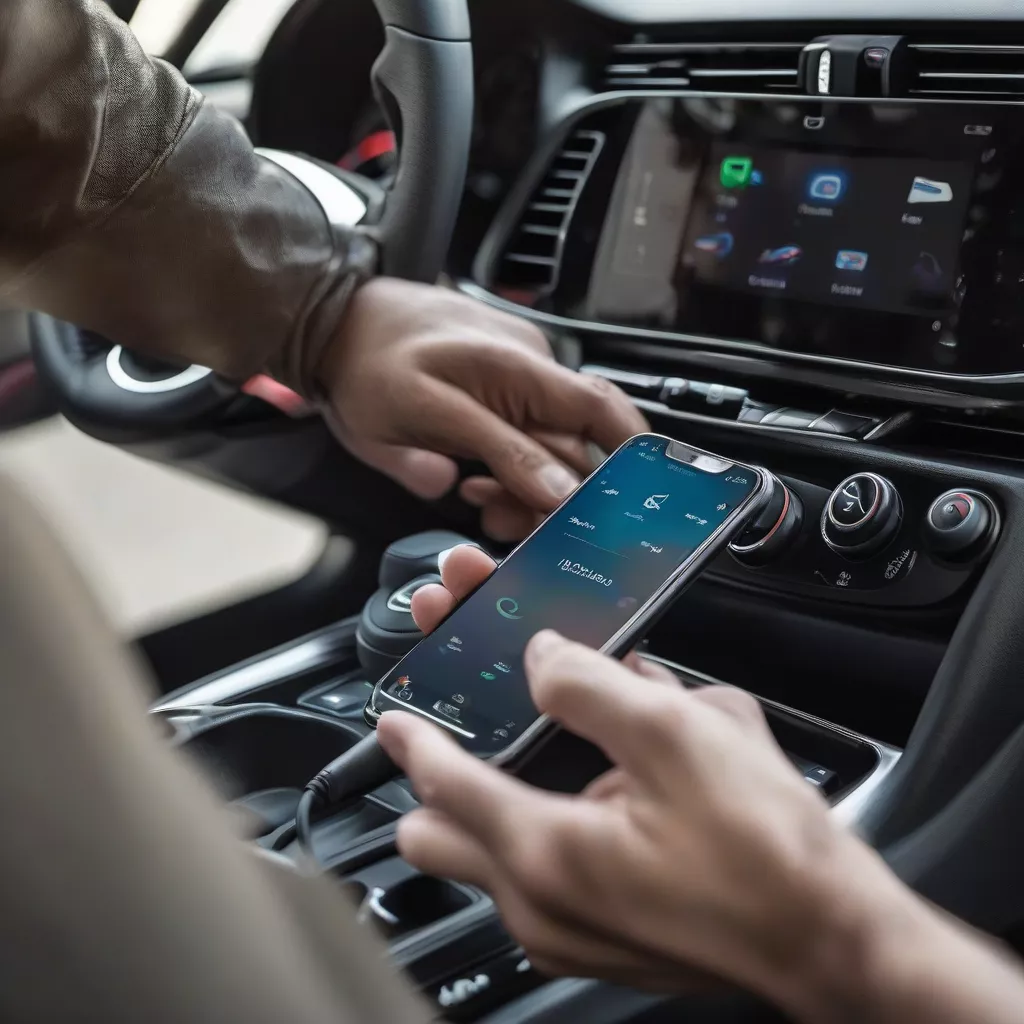
“A broken car is a worry, but a dead phone battery is even worse” – this common saying among long-haul drivers highlights a truth: smartphones have become indispensable companions on every journey. For Mazda 3 owners, connecting your phone to your car not only enhances safety but also unlocks a world of multimedia entertainment. So how do you connect your phone to your Mazda 3 quickly and easily? Let XE TẢI HÀ NỘI guide you in this comprehensive article!
Elevate Your Driving Experience: Connecting Your Phone to Your Mazda 3
1. Connecting via Bluetooth
Bluetooth is the most common and simplest way to connect your phone to your Mazda 3. Follow these steps:
Step 1: Enable Bluetooth on your phone and ensure it’s in “discoverable” mode.
Step 2: On your car’s infotainment screen, navigate to “Settings” > “Bluetooth”.
Step 3: Select “Add new device” and choose your phone’s name from the list of available devices.
Step 4: Confirm the PIN on both your phone and the Mazda 3’s screen (if required).
Once connected, you can make calls, listen to music, and use certain apps directly through the car’s infotainment system.
2. Connecting with Apple CarPlay and Android Auto
For those seeking a “second screen” experience, Apple CarPlay (for iPhones) and Android Auto (for Android phones) are the perfect solutions.
Step 1: Connect your phone to the car’s USB port using a genuine cable.
Step 2: On the Mazda 3’s screen, select Apple CarPlay or Android Auto (depending on your device).
Step 3: Allow access to data and apps on your phone (if prompted).
After connecting, the familiar interface of Apple CarPlay or Android Auto will appear on the car’s display, allowing you to use maps, listen to music, send messages, make calls, and more, conveniently and safely.
3. Important Considerations When Connecting Your Phone to Your Mazda 3
- Always keep your phone and car’s infotainment system software updated.
- Ensure a stable Bluetooth and Wi-Fi connection to avoid interruptions.
- Minimize phone use while driving and focus on the road for safety.
Connecting to Mazda 3 via Bluetooth
Connecting Your Phone to Mazda 3: Frequently Asked Questions
1. Why Can’t I Connect My Phone to My Mazda 3?
Several factors can cause connection issues, such as:
- Bluetooth or Wi-Fi is disabled on your phone or car.
- Outdated software on your phone or the car’s infotainment system.
- Your phone is incompatible with the Mazda Connect system.
If you encounter this problem, check connections, update software, or contact a Mazda dealer for assistance.
2. Can I Connect Multiple Phones to My Mazda 3 Simultaneously?
You can connect multiple Bluetooth devices to your Mazda 3, but only one device can be used for calls or music playback at a time.
3. How Do I Disconnect My Phone from My Mazda 3?
You can disconnect Bluetooth by disabling it on your phone or in the car. For Apple CarPlay and Android Auto, simply unplug the USB cable.
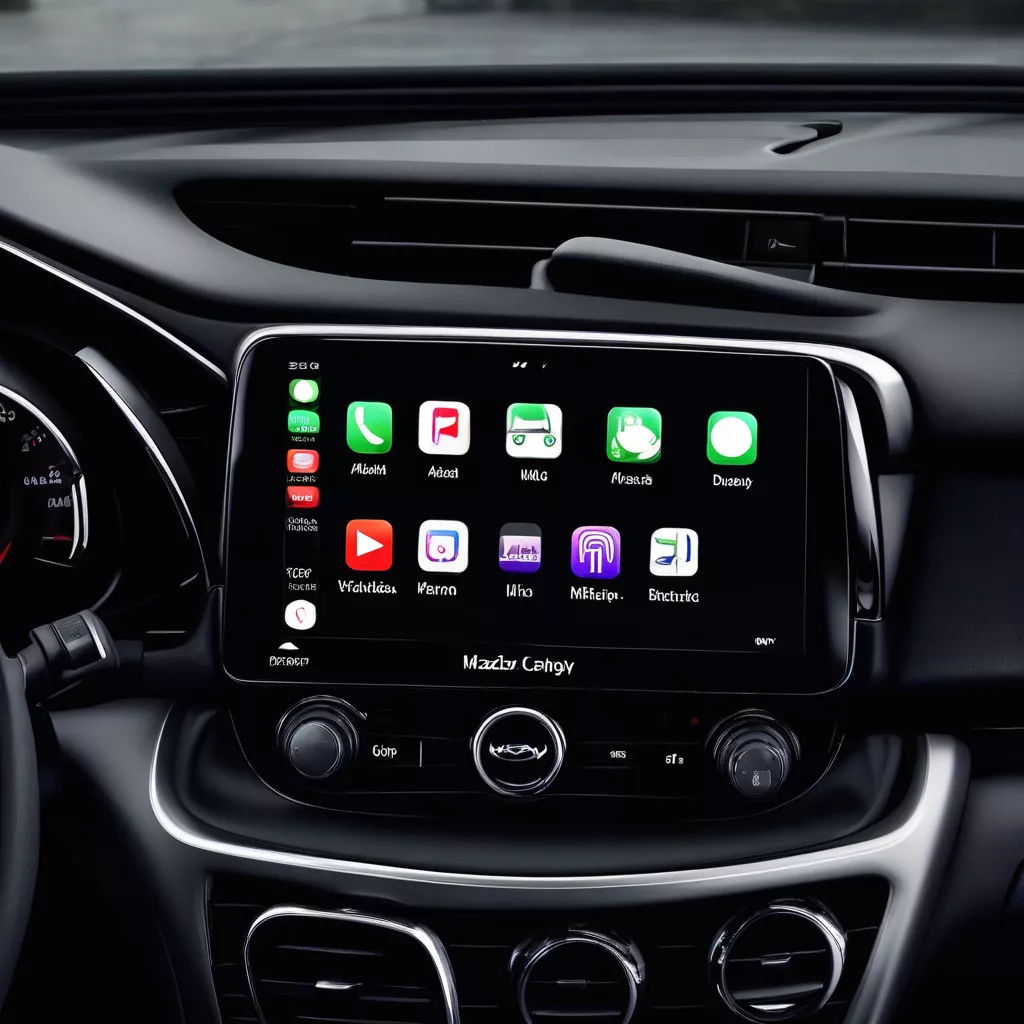 Apple CarPlay on Mazda 3
XE TẢI HÀ NỘI – Your Partner on Every Road
In addition to providing quality trucks, XE TẢI HÀ NỘI is a trusted resource for customers seeking information about modern vehicle features, including connecting phones to Mazda 3s.
Visit XE TẢI HÀ NỘI at [showroom address] or visit our website [website address] for expert advice from our professional staff.
Conclusion
Connecting your phone to your Mazda 3 enhances convenience and safety for drivers. We hope this article has provided valuable information on how to connect your phone to your Mazda 3.
For more informative articles about cars, please explore related posts at:
Leave a comment below if you have any questions!









