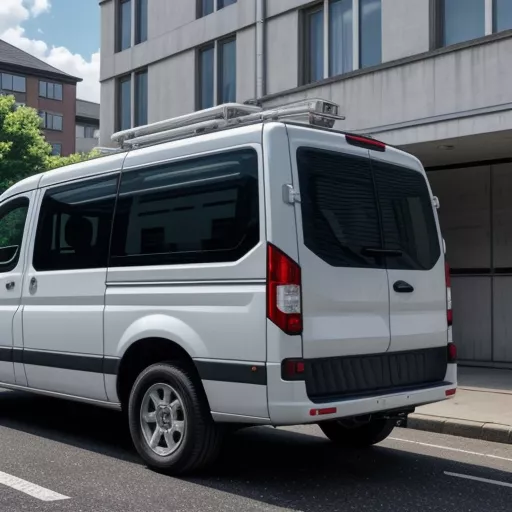
“A stitch in time saves nine.” This saying holds true, especially for vans, the trusty companions of drivers on every road. To ensure safety and prolong the lifespan of your vehicle, equipping it with necessary support devices is crucial. Among them, a backup camera is an indispensable accessory, aiding drivers in observing the rear while reversing, preventing unfortunate collisions.
In this article, XE TẢI HÀ NỘI will provide a detailed guide on how to install a backup camera on a van, empowering drivers with confidence for safe journeys on any route.
Why Install a Backup Camera on a Van?
Vans often have large dimensions and significant blind spots in the rear, posing difficulties for drivers when reversing, particularly in narrow, crowded streets in Hanoi’s inner districts like Hoan Kiem, Ba Dinh, Hai Ba Trung… Installing a backup camera will:
- Enhance Safety: Provides drivers with a clear view of the area behind the vehicle, minimizing potential collisions.
- Assist with Reversing and Parking: Simplifies and improves the accuracy of reversing and parking, even in low-light conditions.
- Boost Work Efficiency: Saves time and effort in reversing and parking, allowing drivers to focus on safe and efficient driving.
Backup camera installation on a van
Guide to Installing a Backup Camera on a Van
1. Prepare the Tools
To install a backup camera, you will need:
- A backup camera compatible with your van model
- A display screen (if your vehicle doesn’t have a DVD screen)
- Signal cable
- Power cable
- Drill, screwdriver, pliers, electrical tape
- Other necessary accessories
2. Installation Steps
Step 1: Install the Backup Camera
- Determine the installation location for the backup camera at the rear of the vehicle, ensuring optimal visibility. The location is often chosen near the license plate or the rear door handle.
- Drill a hole to install the camera (if necessary), then secure the camera with screws.
- Connect the camera’s signal and power cables.
Step 2: Install the Monitor
- If your vehicle doesn’t have a DVD screen, you need to install a monitor to display the image from the backup camera.
- The monitor is usually installed in the center console area for convenient viewing.
Step 3: Connect the Backup Camera to the Monitor
- Connect the signal cable from the backup camera to the AV input port on the monitor.
- Connect the camera’s power cable to the vehicle’s reverse light wire. This connection allows the camera to automatically activate when you shift into reverse.
Step 4: Test and Finalize
- Start the vehicle, shift into reverse to check if the backup camera is working correctly.
- Adjust the camera angle (if necessary) for the best view.
- Secure the cables with zip ties or electrical tape for a neat and safe installation.
Backup Camera Installation Price List for Vans
| Backup Camera Type | Price (VNĐ) | Notes |
|---|---|---|
| Standard Backup Camera | 500,000 – 1,500,000 | Clear image, wide viewing angle |
| Infrared Backup Camera | 1,000,000 – 3,000,000 | Excellent visibility in low-light conditions |
| 360-Degree Backup Camera | 3,000,000 – 5,000,000 | Provides a panoramic view of the rear |
Note: The price list is for reference only. Actual prices may vary depending on the vehicle model, camera type, and installation location.
Important Notes When Installing a Backup Camera on a Van
- Choose a genuine, high-quality backup camera that is compatible with your vehicle model.
- Have the camera installed at reputable garages with experienced technicians, such as those on Le Van Luong or Nguyen Trai streets in Hanoi.
- Thoroughly check the electrical system to avoid short circuits after installation.
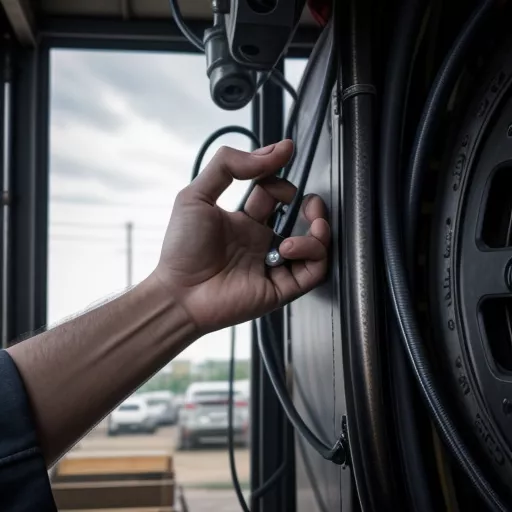 Backup camera installation on a truck
Frequently Asked Questions
1. Does installing a backup camera affect the vehicle’s electrical system?
Answer: If the installation is carried out by skilled technicians at reputable garages, it will not affect the vehicle’s electrical system.
2. Which type of backup camera should I choose?
Answer: You should choose a backup camera with high resolution, a wide viewing angle, and good water and dust resistance. Consider an infrared backup camera if you frequently drive in low-light conditions.
3. Where can I find reputable backup camera installation services in Hanoi?
Answer: XE TẢI HÀ NỘI is a reputable provider of high-quality backup camera installation services for vans in Hanoi. We are committed to providing genuine products, competitive prices, and excellent warranty service.
How to Purchase from XE TẢI HÀ NỘI
To purchase a backup camera and utilize installation services at XE TẢI HÀ NỘI, you can:
- Call our hotline directly: 098.XXX.XXXX for consultation and quotes.
- Visit our showroom at: [Showroom Address]
- Visit our website: xetaihanoi.edu.vn for detailed product information and online ordering.
Similar Products
In addition to backup cameras, XE TẢI HÀ NỘI also offers other products and accessories for vans, such as:
- Android screens for vans
- GPS tracking devices
- Parking sensors
- Undercoating for rust prevention
Conclusion
We hope this article has provided you with a comprehensive understanding of how to install a backup camera on a van and the important considerations. Installing a backup camera will enhance your driving safety and confidence on all roads. Contact XE TẢI HÀ NỘI today for consultation and professional backup camera installation!









