Anh Tuan, a Dongfeng B180 truck driver hauling construction materials in Hanoi, has always loved music. He longed for a way to make his long hauls from Hoai Duc to Dong Anh less tiring, hoping to fill them with his favorite tunes. Unfortunately, his truck’s outdated sound system and constantly malfunctioning CD player prevented him from enjoying his music.
One day, while visiting an auto parts store on Le Van Luong Street, the owner introduced him to using a USB drive for music in his car. Initially hesitant, Anh Tuan quickly grasped the concept after receiving detailed instructions. He confidently connected a USB filled with music to his truck’s sound system. From that day on, his Dongfeng B180 felt revitalized, brimming with melodies on every journey.
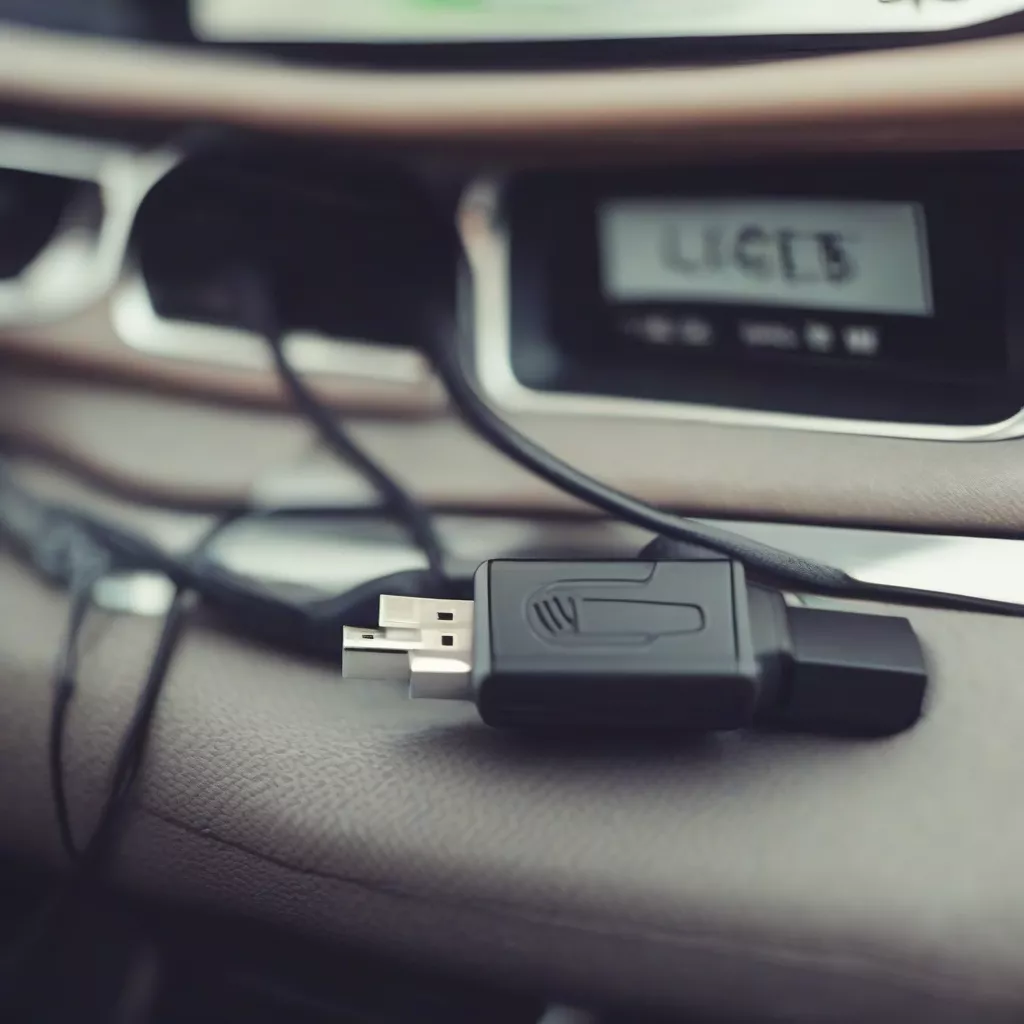
Connecting a USB drive to a car's audio system
USB Drives: A Modern and Convenient Car Audio Solution
Today, most vehicles, from cars to trucks like Hyundai, Hino, and Isuzu, come equipped with USB ports. Using a USB drive to listen to music in your car offers several advantages:
- Convenience: Easily copy your favorite music to a USB drive and connect it to your car’s audio system.
- High-Quality Sound: USB drives generally provide better sound quality compared to CDs or radio.
- Large Storage Capacity: A single USB drive can hold thousands of songs, providing endless listening enjoyment.
How to Use a USB Drive in Your Car
Here are the basic steps to use a USB drive for listening to music in your car:
- Prepare the USB Drive: Format the USB drive to FAT32 (most common) or NTFS. Copy your favorite music files onto the drive.
- Connect the USB Drive to Your Car: Locate the USB port in your car (usually on the center console or in the glove compartment). Insert the USB drive into the port.
- Switch the Audio Source: Turn on your car’s audio system. Select the USB input mode (usually indicated by a USB or AUX symbol).
- Enjoy Your Music: Select a song, adjust the volume, and enjoy.
Note:
- Some car models may require additional setup steps to recognize the USB drive.
- Using a high-quality USB drive with sufficient storage capacity is recommended for optimal performance.
 A man listening to music from a USB drive in his car
USB Drive Price Guide for Cars
| Storage Capacity | Brand | Estimated Price (VNĐ) |
|---|---|---|
| 8GB | Kingston | 100,000 |
| 16GB | Sandisk | 150,000 |
| 32GB | Samsung | 200,000 |
| 64GB | Adata | 300,000 |
Important Notes When Using a USB Drive in Your Car
- Do Not Remove the USB Drive While the Car is Running: This can damage the USB port or lead to data loss.
- Use a High-Quality USB Drive: Low-quality USB drives can cause intermittent connection issues.
- Format the USB Drive Correctly: Ensure the USB drive is formatted in a compatible file system for your car’s audio system.
Frequently Asked Questions
1. My car doesn’t recognize my USB drive. What should I do?
The USB drive might not be formatted correctly, or there could be an issue with your car’s USB port. Try reformatting the USB drive or checking the car’s USB port.
2. Can I watch movies or videos from a USB drive in my car?
This depends on the car model. Some cars support video playback from USB drives, while others do not.
3. How do I choose the right USB drive for my car?
Choose a USB drive with sufficient storage capacity for your needs, a reputable brand, and fast read/write speeds.
Where to Buy USB Drives for Cars in Hanoi
You can easily find USB drives for cars at auto accessory stores and electronics retailers in Hanoi, such as:
- Cau Giay District: Cho Kham Thien Street, Nguyen Khanh Toan Street
- Hai Ba Trung District: Hue Street, Ba Trieu Street
- Hoan Kiem District: Hang Bai Street, Hai Ba Trung Street
Alternative Products
Besides USB drives, you can also consider other options for listening to music in your car, such as SD cards, portable hard drives, and Bluetooth connectivity.
Conclusion
Using a USB drive in your car is a simple and effective way to enjoy your favorite music on any journey. We hope this article has provided you with helpful information. Don’t forget to visit xetaihanoi.edu.vn for more useful tips and information about vehicles.









