Listening to music in your car is an essential part of the driving experience, helping you relax and enjoy the journey. This article will guide you on how to create a USB drive for car music simply and effectively.
Preparing the USB Drive and Formatting
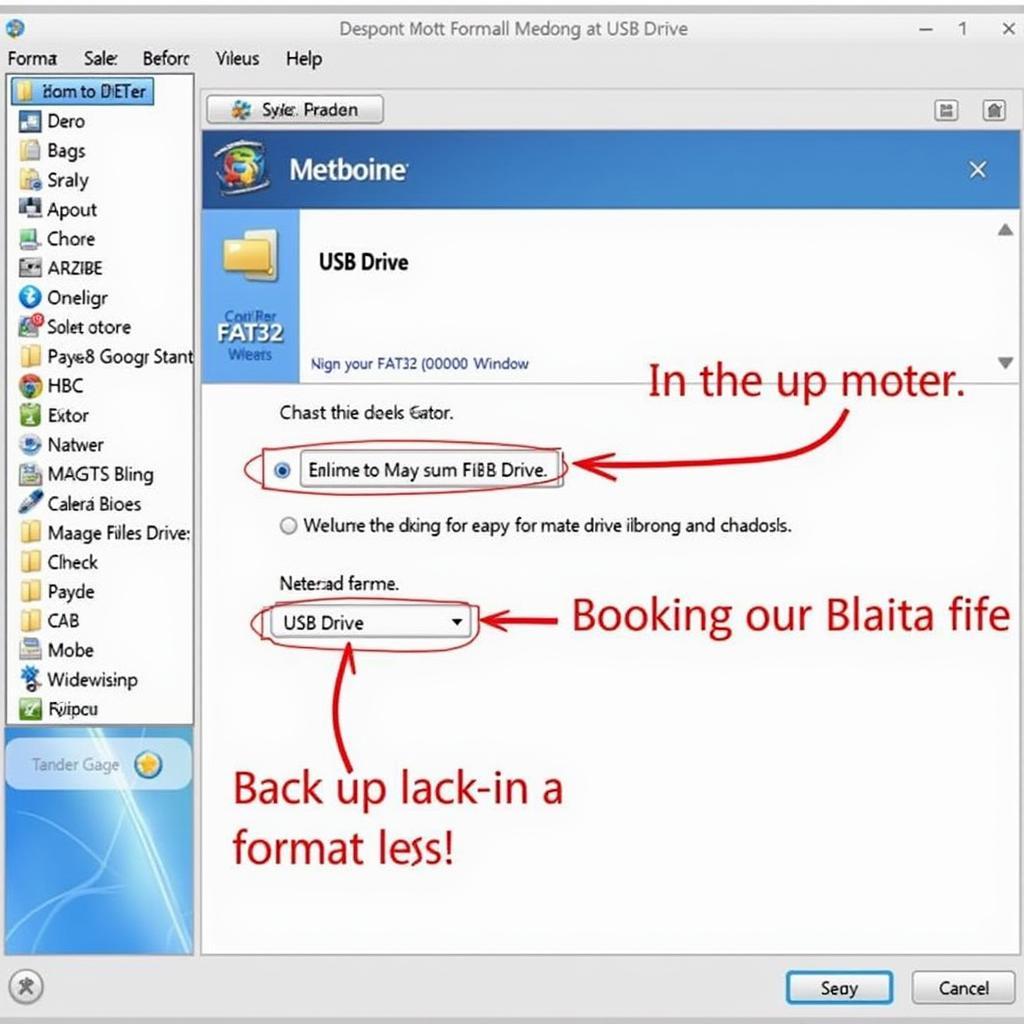
The first step in creating a USB music drive for your car is to prepare a good quality USB drive and format it correctly. The USB drive’s capacity depends on the number of songs you want to store. Most car audio systems support the FAT32 format. You can format the USB drive on your computer by right-clicking on the USB drive and selecting “Format”. Choose the FAT32 format and press “Start”. Note that the formatting process will erase all data on the USB drive, so back up important data before proceeding. Choosing a good quality USB drive will ensure durability and stable data read speeds, providing a smoother music listening experience. After formatting, you are ready to copy music to the USB drive. You’re almost finished creating a USB music drive for your car after this step.
Formatting a USB drive to FAT32 for car music
Copying Music to the USB Drive
After formatting the USB drive, you can copy your favorite songs to it. Creating a folder on the USB drive to store music will make it easier to manage songs. You can organize music by genre, artist, or album. Drag and drop music files from your computer into the folder on the USB drive. Ensure that the music files are in a format supported by your car’s audio system, most commonly MP3, WMA, and WAV. Using a high-quality car audio player also contributes to enhancing the music listening experience.
Choosing the Right Music Format
The MP3 format is the most popular choice due to its compact size and good sound quality. However, if you want higher sound quality, consider using the FLAC or WAV format, but keep in mind that they take up more storage space. Some car audio systems support lossless music as well.
Connecting the USB to Your Car and Enjoying Music
After copying music to the USB drive, simply plug the USB drive into the USB port on your car. The audio system will automatically recognize the USB drive and display the song list. You can use the control buttons on the dashboard or steering wheel to select songs, adjust the volume, and other options. In some cases, you may need to select the source as USB on the audio system. Occasionally, repairing your car’s DVD player might also affect the audio system.
Troubleshooting USB Connection Issues
If your car does not recognize the USB drive, check the format of the USB drive again. Make sure the format is FAT32. If it still doesn’t work, try using a different USB drive. Sometimes, the problem may lie with the USB port on the car.
Conclusion
Creating a USB music drive for your car is a simple and quick process. With just a few simple steps, you can enjoy your favorite tunes on every journey. Choose your favorite songs and create a perfect playlist for your trips. Creating a USB music drive for your car is not as complicated as you think.
FAQ
- What is the best format for a USB music drive for a car? (FAT32)
- What music formats are most commonly supported in cars? (MP3)
- What if the car does not recognize the USB drive? (Check the format, try a different USB drive, check the car’s USB port)
- Can I create multiple music folders on the USB drive? (Yes)
- What is the minimum required USB drive capacity? (Depends on the number of songs)
- Can I listen to lossless music in the car? (Some systems support it)
- Where can I learn more about the Vinfast Fadil car interior? (Visit our website)
 Connecting a USB drive to the car to listen to music
Mr. Nguyen Van A, a car audio expert, shares: “Creating a USB music drive for your car allows you to completely control your music playlist, providing a more personalized listening experience compared to using the radio or streaming services.”
Ms. Tran Thi B, a car technician, says: “Using a USB music drive also helps save mobile data, especially on long trips.”
Some common situations and questions:
- USB not recognized: Try reformatting the USB or using a different USB port in the car.
- Distorted or noisy sound: Check the quality of the music files and the USB drive.
- Unable to change songs: Check the car’s audio system and its compatibility with the USB drive.
Suggested other questions:
- How to choose a music player that is compatible with your car?
- How to clean and maintain the music player in your car?
You can find answers to these questions on our website.
For support, please contact Phone Number: 0968239999, Email: [email protected] Or visit us at: TT36 – CN9 Road, Tu Liem Industrial Zone, Phuong Canh Ward, Nam Tu Liem District, Hanoi. We have a 24/7 customer support team.









