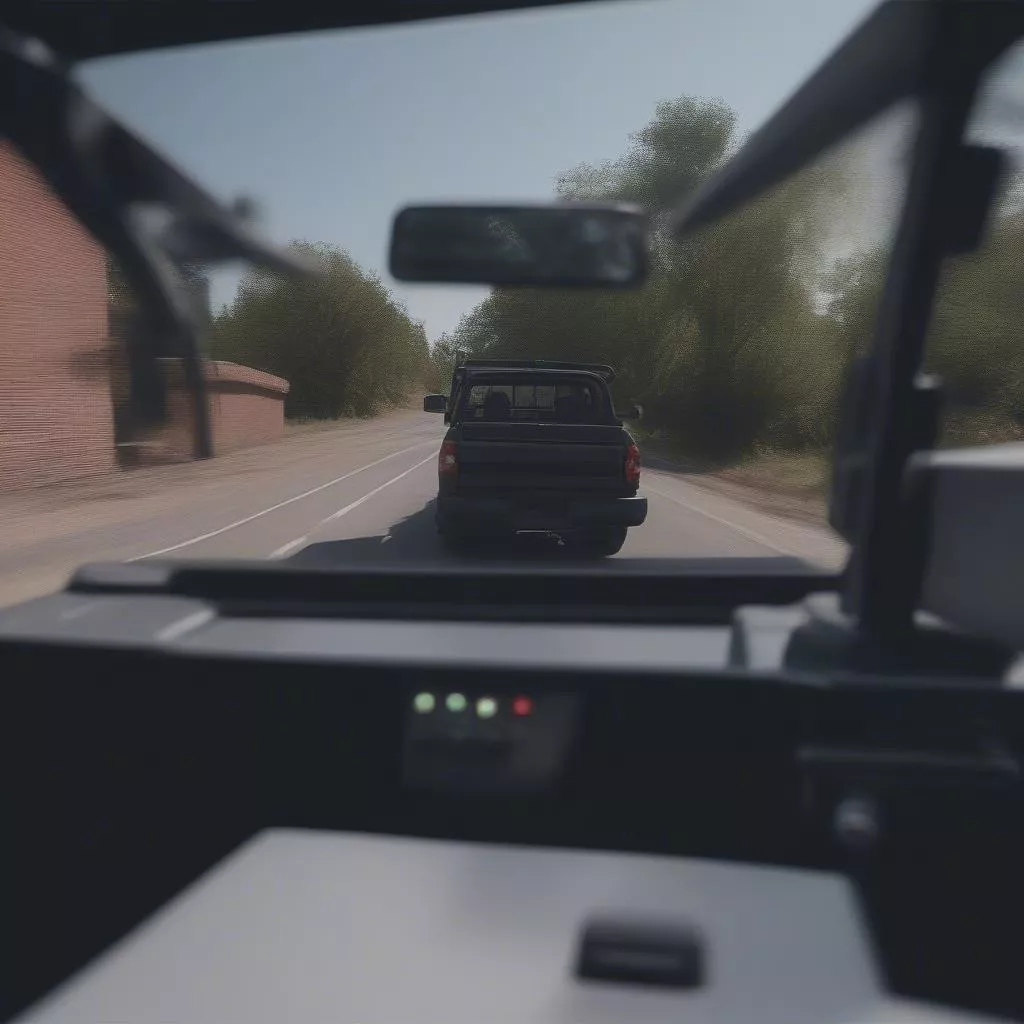
“Careful when backing up!” – a common phrase whenever someone reverses without a guide. The fear of collision when reversing, especially with large trucks, is a nightmare for many drivers, even seasoned ones. Fortunately, this worry can now vanish thanks to backup cameras – the “third eye” for safe and efficient reversing. What is a backup camera? How to install one? Let’s find out with Xetaihanoi.edu.vn in this detailed guide!
Backup Camera – The “Third Eye” for Safe Reversing
What is a Backup Camera?
A backup camera is a video recording device mounted on the rear of a vehicle. It displays the area behind the vehicle on a DVD screen or rearview mirror inside the car, providing the driver with a clear and direct view. This allows for precise maneuvering and safe reversing or parking.
Benefits of Installing a Backup Camera for Trucks
- Increased Safety: Minimizes blind spots behind the vehicle, enabling the driver to easily observe obstacles, pedestrians, especially children, thus preventing potential collisions when reversing.
- Easier Reversing and Parking: Helps the driver accurately gauge the distance to obstacles behind, especially when parallel parking or maneuvering in crowded areas with limited space.
- Enhanced Vehicle Aesthetics: Modern backup cameras are designed with a compact and sleek aesthetic, contributing to the overall appearance of your vehicle.
Backup camera for trucks
Detailed Guide to Installing a Backup Camera
Tools Required
To install a backup camera yourself, you’ll need the following tools:
- Backup camera
- DVD screen or rearview mirror with integrated screen
- Power cable, signal cable
- Drill, screwdriver, electrical tape
- Insulation materials
Installation Steps
Step 1: Determine the installation location for the backup camera. The most common location is above the license plate or the rear door handle.
Step 2: Install the backup camera. Secure the camera to the chosen location using screws.
Step 3: Connect the power and signal cables of the backup camera to the DVD screen or rearview mirror.
Step 4: Route the signal cable from the backup camera into the vehicle. You can run the cable along the undercarriage or the headliner.
Step 5: Connect the power cable of the backup camera to the reverse lights.
Step 6: Test the entire system after installation.









