Connecting your Android phone to your truck is no longer science fiction; it’s a popular and convenient trend. Let’s explore how xetaihanoi.edu.vn can help you transform your truck into a mobile smartphone!
Benefits of Connecting Your Android to Your Truck
Connecting your Android phone to your truck offers much more than just hands-free calling and music. It provides a range of benefits:
- Enhanced Driving Experience: Enjoy music, podcasts, and audiobooks directly from your phone through your truck’s sound system.
- Safety and Convenience: Make hands-free calls and send texts, allowing you to focus on the road.
- Smart Navigation: Utilize online maps for efficient route planning and traffic avoidance.
- Multimedia Entertainment: Watch videos, browse the web, and use entertainment apps directly on your truck’s display.
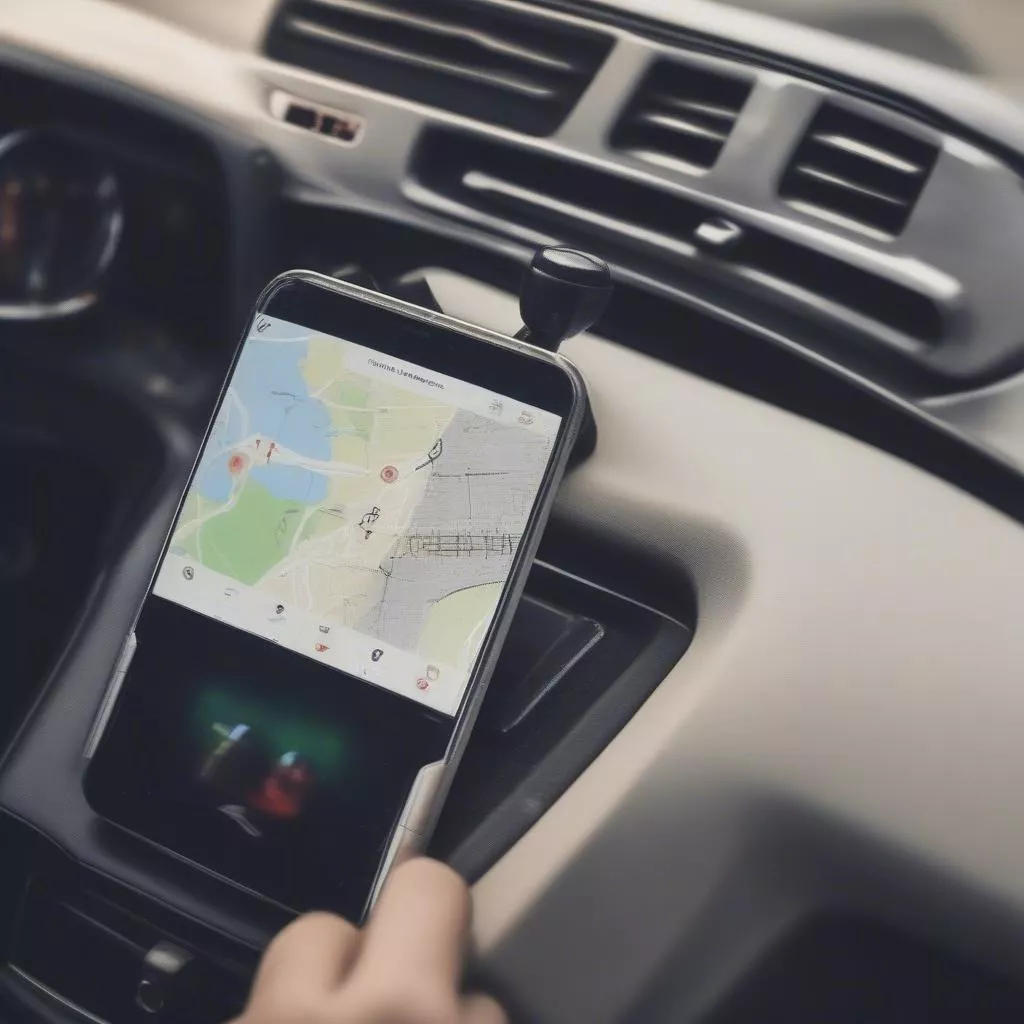
Android phone connected to a truck's dashboard
How to Connect Your Android to Your Truck
There are two common connection methods:
1. Bluetooth Connection:
This is the simplest and most common method, compatible with most trucks and Android phones.
Step 1: Enable Bluetooth on both your phone and your truck. Step 2: On your phone, search for available Bluetooth devices and select your truck’s name. Step 3: Confirm the connection on both your phone and your truck.
2. Android Auto Connection:
Android Auto is a Google app designed to seamlessly integrate your Android phone with your truck’s display for safe and convenient app usage.
Step 1: Download and install the Android Auto app on your phone from the Google Play Store. Step 2: Connect your phone to your truck using a USB cable. Step 3: Grant the necessary permissions to the Android Auto app on your phone. Step 4: Start using Android Auto features on your truck’s display.
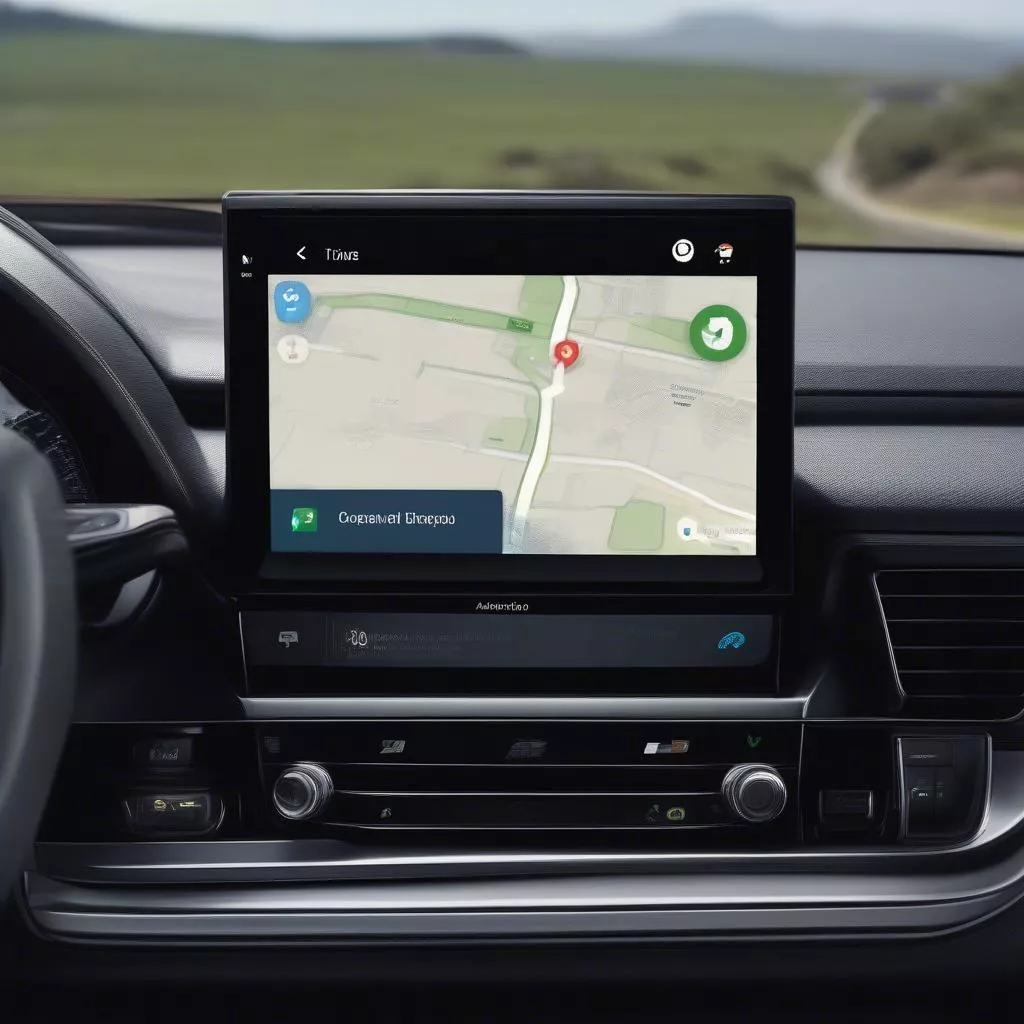 Android Auto interface displayed on a truck's infotainment screen
Important Considerations When Connecting Your Android to Your Truck
- Always prioritize safety while driving; minimize phone interaction when the vehicle is in motion.
- Use genuine, high-quality accessories to ensure a stable and secure connection.
- Regularly update both your phone and truck’s software to fix bugs and improve performance.
Frequently Asked Questions
1. Can my truck connect to Android?
Most modern trucks are equipped with Bluetooth connectivity; some models may support Android Auto or Apple CarPlay. Consult your truck’s manual or contact your dealer for more information.
2. Does Bluetooth connection affect audio quality?
Bluetooth audio quality can be affected by factors like distance, device quality, and Bluetooth version. However, modern Bluetooth technology offers significantly improved audio quality.
3. Can I use all my phone apps with Android Auto?
No, Android Auto only supports apps optimized for safe driving. You can find a list of supported apps on the Android Auto website.









