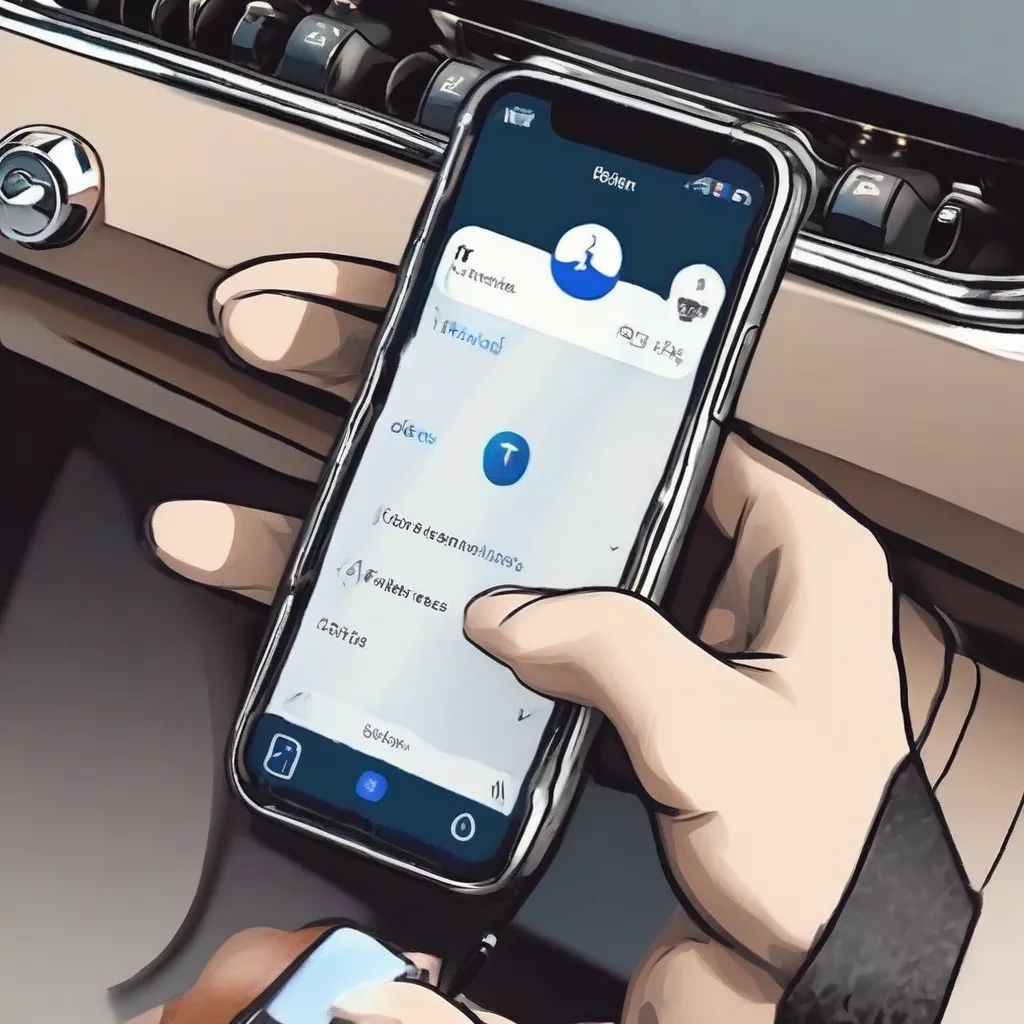
Just got a shiny new Toyota and eager to enjoy exciting journeys? Enhance your driving experience by connecting your phone to the car’s Bluetooth system. This not only allows you to easily listen to music and make hands-free calls but also ensures safety while driving. So, how do you connect Bluetooth to a Toyota quickly and effectively? This article provides a detailed step-by-step guide, along with important notes and answers to frequently asked questions.
Connecting Bluetooth in Your Toyota: Benefits and How-To
Why Connect Bluetooth to Your Toyota?
Bluetooth connectivity offers numerous benefits for car users, especially in modern vehicles like Toyotas. Instead of fumbling with tangled wires, you can:
- Enjoy Wireless Music: Stream your favorite tunes from your phone, Spotify, Apple Music, and more, with vivid sound quality through the car’s speakers.
- Make Hands-Free Calls: Ensure safe driving by answering and making calls without touching your phone.
- Utilize Voice Assistants: Easily use voice commands with virtual assistants like Siri or Google Assistant to control maps, messages, calls, and more directly in your car.
Guide to Connecting Bluetooth to Your Toyota
The Bluetooth connection process may vary slightly depending on the model year and infotainment system in your Toyota. However, in general, you can follow these basic steps:
Step 1: Enable Bluetooth on your phone. Make sure your phone’s Bluetooth is turned on and in “discoverable” mode.
Step 2: Start your Toyota and turn on the infotainment system. On the infotainment screen, find and select the “Setup” or “Settings” icon.
Step 3: Select “Bluetooth” or “Phone”. Depending on the model, you may need to select “Devices” before finding the Bluetooth option.
Step 4: Select “Add Device” or “Search for Devices”. The car’s infotainment system will start searching for available Bluetooth devices nearby.
Step 5: Select your phone’s device name. On the car’s screen, select your phone’s name from the list of found Bluetooth devices.
Step 6: Confirm the connection on both your phone and the car’s screen. Some models may require you to enter a PIN displayed on your phone’s screen to confirm the connection.
Step 7: Complete the connection. After successful connection, you can start playing music, making hands-free calls, and using other features via Bluetooth.
Important Notes When Connecting Bluetooth to Your Toyota
- Ensure your phone and car are close to each other (within Bluetooth range) during the connection process.
- Check if your car’s infotainment system supports Bluetooth.
- Turn off Bluetooth on other devices when not in use to avoid connection conflicts.
- If you encounter problems, try restarting your phone, turning Bluetooth on/off in the car, or consulting the car’s owner’s manual.
Connecting Bluetooth in a Toyota
Frequently Asked Questions About Connecting Bluetooth to a Toyota
1. Why can’t I connect Bluetooth to my Toyota?
Several reasons could prevent you from connecting Bluetooth to your Toyota. Here are some possibilities:
- Bluetooth is not enabled on your phone or car: Double-check that Bluetooth is turned on for both devices.
- Phone and car are too far apart: Ensure your phone is within the Bluetooth connection range of your car.
- The car’s infotainment system is not compatible with your phone: Consult the car’s owner’s manual or contact a Toyota dealer for more information.
- Software error: Try restarting your phone and car, or update the software on both devices.
If you’ve tried all of the above and still cannot connect, you should take your car to the nearest Toyota dealership for assistance.
2. Can Hino trucks connect to Bluetooth?
Most modern Hino trucks, especially models manufactured in recent years, are equipped with infotainment systems that support Bluetooth connectivity. This allows drivers to easily connect their phones for music, hands-free calling, ensuring safety and convenience during long drives. However, to be sure, you should check the specifications of each Hino truck model or contact your nearest Hino truck dealer, such as the dealership on Nguyen Van Linh Street, Long Bien District.
3. How many Bluetooth devices can I connect to my Toyota simultaneously?
Most Toyota vehicles allow you to connect two Bluetooth devices simultaneously. However, only one device can be used for phone calls at a time.
Feng Shui Tips for Choosing Car Colors Compatible with Bluetooth
In addition to technical factors, many Vietnamese people also consider Feng Shui elements when choosing car colors, especially the ability to connect with technological devices like Bluetooth. According to Feng Shui expert Nguyen Van An, author of “Cars & Feng Shui”: “Choosing a car color that matches your destiny enhances positive energy, attracting luck and fortune for the owner. Besides, choosing a car color that aligns with the energy of Bluetooth contributes to harmony, ensuring a stable and smooth connection.”
For example, people with the Metal element should choose white or silver cars to combine with the energy of Bluetooth (often blue), creating a balance of Yin and Yang, for a stable connection.
 Car Colors Compatible with Bluetooth
Conclusion
Connecting Bluetooth to your Toyota not only offers convenience but also ensures your safety while driving. We hope this article has provided comprehensive and helpful information, enabling you to easily connect and fully enjoy the wonderful experiences in your car. Don’t forget to visit XE TẢI HÀ NỘI for more useful information about cars and the best support services!
Have you tried connecting Bluetooth to your Toyota? Share your experience by leaving a comment below!









