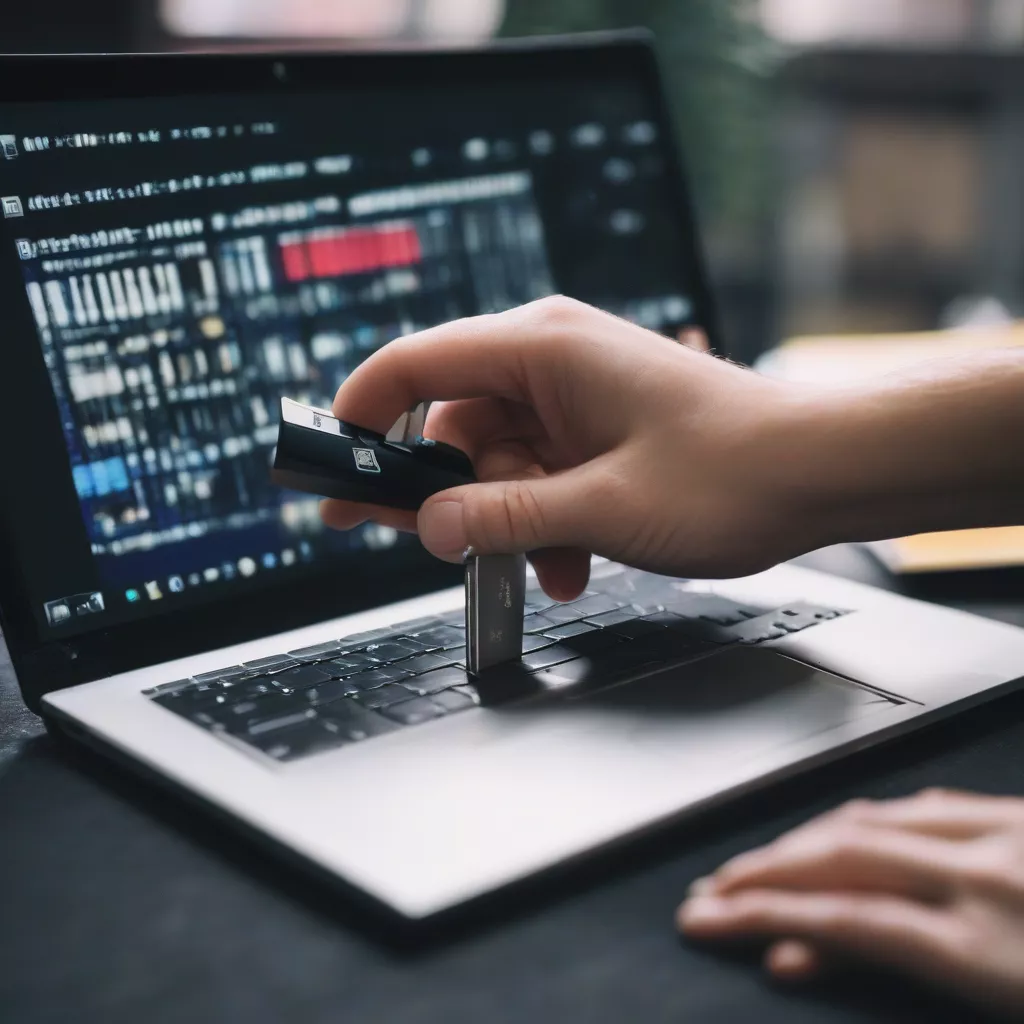
“Where are you going? Take me with you!” – This familiar lyric often signals the start of an exciting road trip. But have you ever felt bored listening to the same old songs on the radio? Don’t worry, this guide will show you how to create your own car music USB, transforming your vehicle into a personalized concert hall.
Turn Your USB into a Musical Treasure Trove for Your Car
Car Music USB: The Perfect Solution for Every Trip
Are you looking for a convenient, high-quality, and easily customizable way to listen to music in your car? A music-loaded USB drive is the optimal solution!
Mr. Nguyen Van A, owner of a car repair shop on Nguyen Trai Street, Thanh Xuan District, shared: “Many of my customers love using USB drives for their car music because of their convenience and high customizability. They can freely choose their favorite music genres and easily update with new songs.”
Outstanding Advantages of Using a Car Music USB
- Convenient and Easy to Use: Simply connect the USB to your car’s USB port and enjoy your music.
- Excellent Sound Quality: USB drives can store high-quality music files, delivering a vivid and authentic audio experience.
- Large Storage Capacity: You can store thousands of your favorite songs on a single USB drive.
- Easy to Update: Adding or removing songs on a USB drive is simple, allowing you to keep your playlist fresh.
Important Notes When Using a Car Music USB
- Choose a Quality USB Drive: Opt for a reputable brand with high read/write speeds for optimal compatibility and durability.
- Compatible Music File Formats: Most modern cars support MP3 and WAV formats.
- Organize Your Music Files: Create folders by genre, artist, album, etc. to easily find your songs.
- Don’t Remove the USB While Playing Music: This can cause errors in your car’s audio system.
Simple Steps to Create a Car Music USB
Step 1: Gather Your “Ingredients”
- USB Drive: Minimum 2GB capacity, preferably a high-speed USB 3.0.
- Computer: To copy music to the USB drive.
- Music Files: Download or copy from CDs, your phone, etc.
Step 2: “Prepare” the USB Drive
- Format the USB Drive:
- Connect the USB drive to your computer.
- Open “My Computer” (or “This PC”).
- Right-click on the USB drive and select “Format”.
- In the “File system” section, choose “FAT32”.
- Click “Start” to format the USB drive.
Note: Formatting the USB drive will erase all existing data on it.
Step 3: Copy Music to the USB Drive
- Create desired folders on the USB drive (e.g., Pop, Rock, Classical…).
- Copy music files from your computer to the corresponding folders on the USB drive.
Step 4: Connect the USB to Your Car
- Start your car.
- Connect the USB drive to the car’s USB port.
- Switch the music source to USB on your car’s entertainment system.
Creating a music USB
Enhance Your Car’s Feng Shui with Music
According to Feng Shui principles, music influences the energy of a space. Choosing the right music while driving can help you feel relaxed, comfortable, and enhance your luck on the road.
Some Feng Shui music suggestions:
- Classical or Symphonic Music: Promotes calmness, clarity, and focus while driving.
- Zen or Instrumental Music: Creates a relaxing atmosphere, reducing stress and fatigue.
- Upbeat and Cheerful Music: Suitable for road trips and outings, boosting your mood and energy.
Car Music USB Price List
| Capacity | Estimated Price | Lowest Price |
|---|---|---|
| 4GB | 50,000 VND | 40,000 VND |
| 8GB | 80,000 VND | 60,000 VND |
| 16GB | 120,000 VND | 100,000 VND |
| 32GB | 200,000 VND | 160,000 VND |
Note: Prices are for reference only and may vary depending on time and retailer.
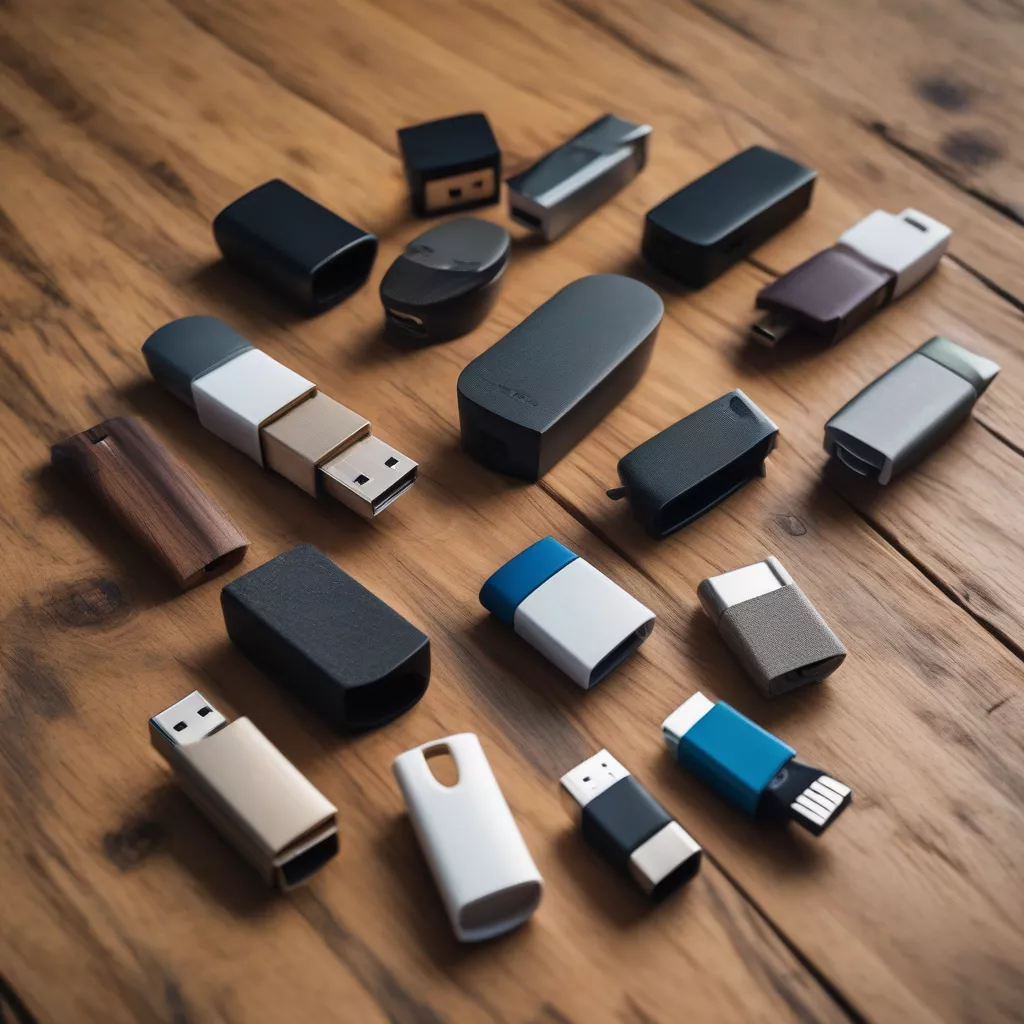 Car music USB
Frequently Asked Questions about Car Music USBs
1. Does my car support a music USB?
Most cars manufactured within the last 10 years are equipped with a USB port for playing music. Consult your car’s owner’s manual or contact your dealer for details.
2. Why isn’t my USB playing music in my car?
Possible reasons include:
- The USB is not formatted correctly (FAT32).
- The music files are incompatible (try converting to MP3).
- The car’s USB port is malfunctioning.
3. How can I organize music on my USB effectively?
Create folders by genre, artist, album, etc., on the USB for easy navigation.
4. Where can I buy a music USB?
You can purchase music USBs at reputable electronics stores, supermarkets, and online retailers.
Choose a Quality Music USB at Xe Tai Ha Noi
For optimal sound quality and durability, choose a genuine, reputable brand of USB drive. Xe Tai Ha Noi proudly offers a wide selection of high-quality car accessories, including music USBs, at competitive prices.
Visit Xe Tai Ha Noi at [address], or browse our website [website] to find the perfect music USB for your needs!
We also offer other products such as [link to product 1], [link to product 2], [link to product 3].
Conclusion
We hope this article has provided you with helpful information on how to create a car music USB. Create your own personalized soundtrack and enjoy music-filled journeys!









