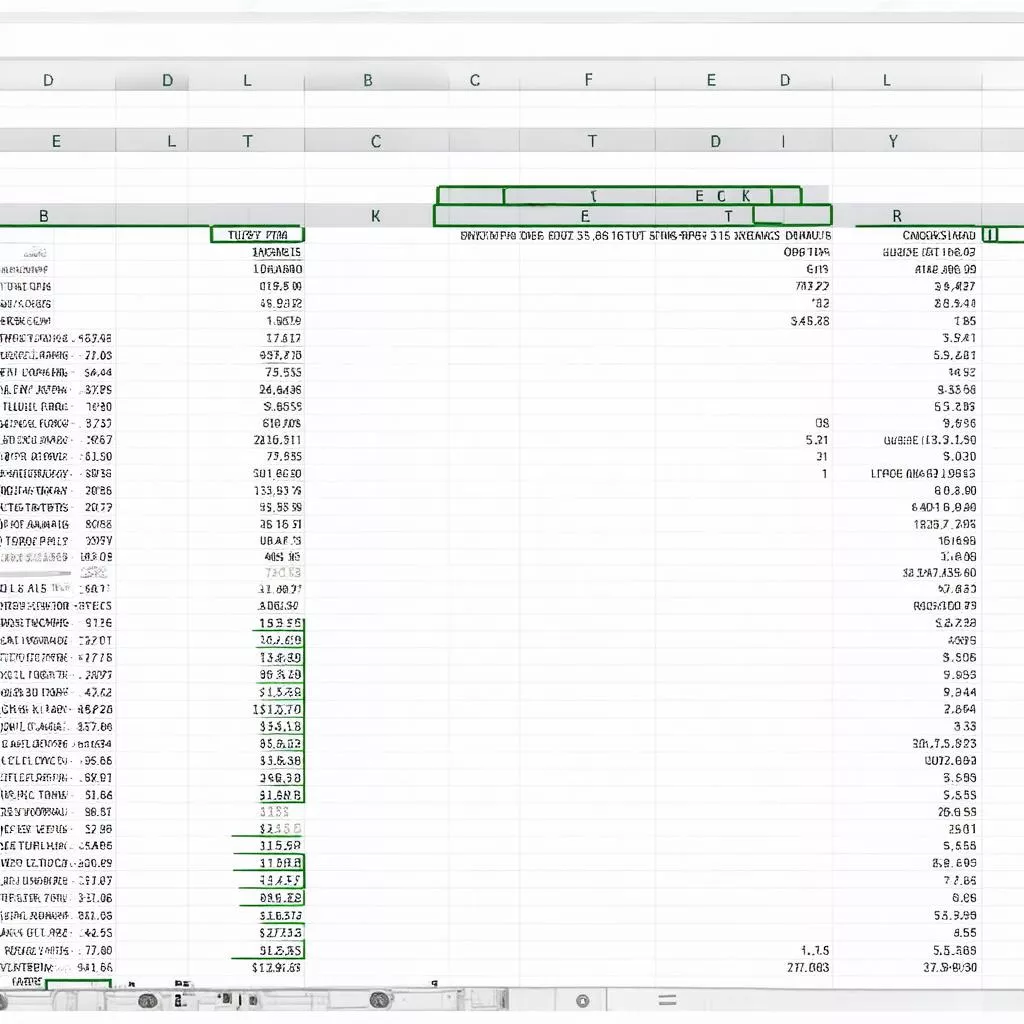
“Different strokes for different folks,” as the saying goes. In the trucking industry, this translates to “organized data equals efficient operations.” XE TẢI HÀ NỘI presents a guide to mastering Excel’s conditional formatting – your key to managing truck data, orders, and revenue with the finesse of a seasoned Hanoi truck driver navigating the Old Quarter.
1. Conditional Formatting in Excel: A Comprehensive Guide
1.1. Introduction: Transforming Your Spreadsheet
Imagine managing a fleet of trucks, from nimble Hyundai city trucks to powerful Hino long-haul vehicles. Data on vehicles, drivers, schedules, and revenue overflows your Excel spreadsheet. Sifting through endless rows and columns can feel overwhelming.
Conditional formatting comes to the rescue. It empowers you to:
- Highlight Key Values: For example, highlight low revenue in red and efficient trucks in green.
- Categorize Data: Differentiate truck types (Dongben, Teraco) and routes (Hanoi – Hai Phong, Hanoi – Quang Ninh) with distinct colors.
- Track Progress: Visualize delivery statuses (in transit, delivered, delayed) using color codes.
Conditional formatting breathes life into your spreadsheet, making it intuitive, visually engaging, and easier to understand.
1.2. Transforming Your Spreadsheet: A Step-by-Step Guide
Let XE TẢI HÀ NỘI guide you through this simple transformation, as easy as driving a Thaco truck on the highway:
-
Select Data Range: Highlight the cells you want to format.
-
Access Conditional Formatting: In the Home tab, under Styles, click Conditional Formatting.
-
Choose Formatting Style: Popular options include:
- Highlight Cells Rules: Highlight cells based on their values (greater than, less than, equal to, containing…).
- Top/Bottom Rules: Highlight the highest, lowest, or top/bottom percentage of values.
- Data Bars, Color Scales, Icon Sets: Visualize data with bars, color gradients, or icons.
-
Set Conditions: Depending on the chosen style, define specific conditions. For “Greater Than,” input the comparison value.
-
Choose Formatting: Customize colors, fonts, and borders to highlight data effectively.
1.3. Powerful Applications: Elevating Truck Management
Conditional formatting revolutionizes various truck management tasks:
- Fleet Management: Monitor truck status (active, in repair, sold), manufacturing year, mileage, etc.
- Order Management: Track order status (received, in transit, delivered, delayed), revenue by truck type and route.
- Personnel Management: Evaluate driver performance, track revenue per driver, and manage schedules.
Managing truck data with Excel
1.4. Key Advantages
- Time Savings: Instantly identify crucial information without scanning endless data.
- Enhanced Efficiency: Easily spot issues and trends, enabling faster and more accurate decisions.
- Professional Presentation: Create visually appealing and professional spreadsheets.
1.5. Considerations
- Visual Clutter: Overusing colors and formatting can make the spreadsheet difficult to read.
- Data Dependency: Conditional formatting relies on accurate and updated data for optimal results.
2. XE TẢI HÀ NỘI Truck Price List
| Truck Type | Estimated Price (VNĐ) | Discounted Price (VNĐ) |
|---|---|---|
| Teraco 1T9 Truck | 650,000,000 | Contact Us |
| Hyundai HD72 Truck | 720,000,000 | Contact Us |
| Hino XZU730 Truck | 800,000,000 | Contact Us |
Note: Prices are for reference only. Contact XE TẢI HÀ NỘI for accurate quotes and consultation.
3. Golden Rules for Conditional Formatting
- Choose Appropriate Colors: Use contrasting colors to highlight important data.
- Avoid Overuse: Apply formatting only to essential data.
- Combine Formatting Styles: Use multiple styles for enhanced visual impact.
- Update Data Regularly: Ensure data accuracy for reliable formatting results.
4. Frequently Asked Questions about Conditional Formatting
Question 1: Can I format multiple cells simultaneously?
Answer: Absolutely. Simply select the desired data range.
Question 2: How can I format based on multiple conditions?
Answer: Use the “Use a formula to determine which cells to format” option in Conditional Formatting.
Question 3: Can I copy conditional formatting to other worksheets?
Answer: Yes, using “Format Painter” or standard copy and paste.
 Various truck types in Hanoi
5. Quality Trucks? Visit XE TẢI HÀ NỘI!
Looking to purchase a truck? XE TẢI HÀ NỘI offers a wide selection of reputable, high-quality trucks from leading brands like Hyundai, Isuzu, Hino, and Thaco at competitive prices.
We have locations throughout Hanoi, including Cau Giay, Dong Da, Hai Ba Trung, Hoan Kiem, and Tay Ho. Contact us for personalized consultation and the best quotes.
6. Related Products
Besides trucks, XE TẢI HÀ NỘI also offers:
- Dump Trucks
- Tractor Trucks
- Specialized Vehicles
7. Conclusion
Excel’s conditional formatting is an invaluable tool for efficient and professional truck data management. Implement these tips and experience the difference!
Share your Excel tips and tricks for truck management in the comments below!









