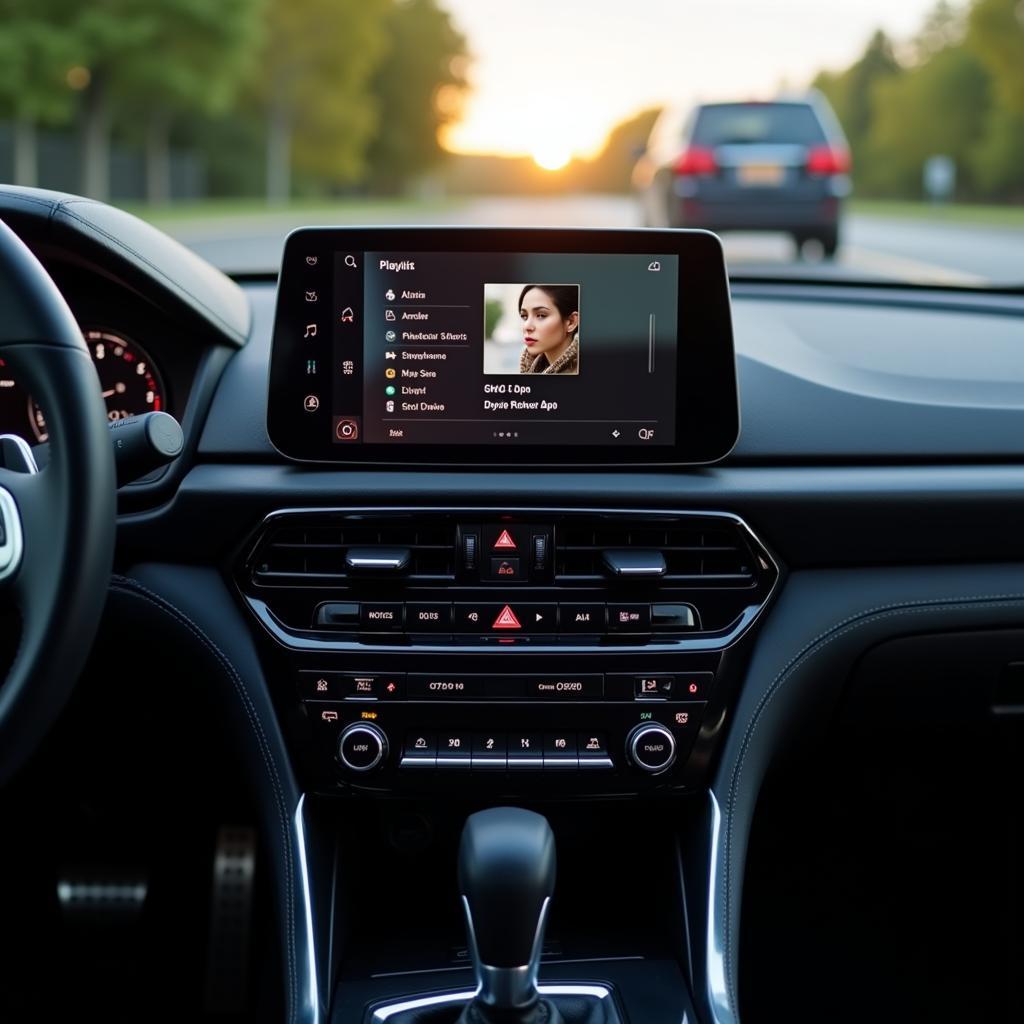
Playing music from a USB drive in your car has become a popular and convenient choice for music lovers. This article provides helpful information on how to use a USB for music playback in your car, along with tips to optimize your listening experience on every journey.
How to Play Music from a USB in Your Car
Using a USB to play music in your car is quite simple. First, you need a USB drive with sufficient storage capacity and the correct format. Most car audio systems support the FAT32 format. Copy your favorite songs to the USB drive. Then, plug the USB into the USB port of your car’s audio system. The system will automatically recognize the USB and display the song list. You can select songs, adjust the volume, and enjoy your music.
Choosing the Right USB for Your Car
Choosing the right USB is crucial for ensuring sound quality and durability. Choose a USB with a moderate storage capacity, not too large to avoid slowing down the system. USB 3.0 is the best choice for fast data transfer speeds. Additionally, choose a USB with a compact and durable design to prevent breakage or damage while using it in the car. Similar to car audio, using a USB provides a high-quality audio experience.
Formatting a USB for Car Audio Systems
The FAT32 format is the most common format supported by most car audio systems. If your USB is in a different format, you need to reformat it to FAT32 before copying music. Note that formatting will erase all data on the USB, so back up important data before proceeding.
Optimizing Your USB Music Listening Experience
To optimize your USB music listening experience, organize your songs into folders or playlists. This helps you easily search and select songs. You should also check the format and audio quality of the music files before copying them to the USB. Using high-quality music files will provide a better listening experience. For those interested in how to use a Bluetooth USB for car audio, this information will be helpful.
Benefits of Using a USB for Music Playback in Your Car
Using a USB for music playback in your car offers several benefits. First, it’s convenient and easy to use. Second, you have complete control over your playlist. Third, the sound quality is often better than listening to the radio or using a Bluetooth connection. A detailed example of car music USB is creating personalized playlists.
Playing music from a USB in a car
Conclusion
Playing music from a USB in your car is a simple, effective, and cost-efficient solution. We hope this article has provided you with helpful information on how to use a USB for music playback in your car.
FAQ
-
What is the best format for a USB for car audio?
- FAT32 is the most common and compatible format.
-
What USB storage capacity is suitable?
- 8GB to 32GB is sufficient.
-
How do I format a USB to FAT32?
- Plug the USB into your computer, right-click on the USB, select Format, then choose FAT32.
-
Why doesn’t my car recognize the USB?
- Check the USB format, the USB port on the car, or try a different USB.
-
How do I create a playlist on a USB?
- Create folders on the USB and organize your music into those folders.
-
Can I use a USB to play videos in my car?
- It depends on the car’s entertainment system. Some cars support it, some don’t.
-
Is USB 3.0 better than USB 2.0 for playing music in a car?
- USB 3.0 has faster data transfer speeds, but it doesn’t significantly affect sound quality.
For assistance, please contact us by phone: 0968239999, Email: [email protected] Or visit us at: TT36 – CN9 Road, Tu Liem Industrial Zone, Phuong Canh Ward, Nam Tu Liem District, Hanoi. We have a 24/7 customer support team. This is similar to turning off the FM radio in a car when you want to switch to a different music source.









